


Blog
Which Aqara Hub to Buy in Egypt: E1, M1S, M2 or G3?

All four hubs run Zigbee 3.0 and connect up to 128 devices. The difference is the power, the ports, the speaker, the infrared blaster and the camera. This guide compares them with specs from our product pages.

Buy the Hub E1 (EGP 3,400) to start cheaply, the M1S Gen 2 (EGP 6,655) for an alarm speaker and night light, the M2 (EGP 6,700) for infrared control and Ethernet, or the Camera Hub G3 (EGP 13,000) if you also want an indoor camera. Prices are in Egyptian pounds on 25 November 2026.
What an Aqara hub does (and why you need one)
Most Aqara sensors, switches and curtain motors talk over Zigbee, a low-power mesh radio standard (Connectivity Standards Alliance). They do not join your Wi-Fi directly. A hub sits between them and your router, connects them to the Aqara Home app and runs your automations.
That is why a hub is the first thing to buy when you start with Aqara. For example, the Aqara Motion Sensor P1 needs an Aqara hub. If you are still deciding between Zigbee, Wi-Fi and Tuya, read our Zigbee gateway guide first.
Aura sells four Aqara hubs that are in stock today. They share the same core: Zigbee 3.0 and up to 128 child devices (the maximum needs suitable repeaters, such as smart plugs, according to the product pages). What changes is everything around that core: the power connection, the network ports, the speaker and light, infrared control and a camera.
Aqara hub comparison: E1 vs M1S Gen 2 vs M2 vs Camera Hub G3
| Hub E1 | Hub M1S Gen 2 | Hub M2 | Camera Hub G3 | |
|---|---|---|---|---|
| Aura price | EGP 3,400 | EGP 6,655 | EGP 6,700 | EGP 13,000 |
| Zigbee 3.0 devices | Up to 128 with repeaters | Up to 128 with repeaters | Up to 128 | Up to 128 with repeaters |
| Power | USB-A (charger, power bank, PC or router USB port) | Plugs directly into a wall outlet, 100 to 240V | Micro-USB 5V (power bank works as backup) | USB-C 5V / 2A |
| Network | Wi-Fi 2.4GHz, also works as a Wi-Fi repeater | Wi-Fi 2.4GHz, 2×2 MIMO, WPA3 | Dual-band Wi-Fi, Ethernet RJ45, Bluetooth LE | Wi-Fi 2.4GHz and 5GHz, WPA3 |
| Speaker and light | Not listed | 2W speaker, 18-LED RGB ring, light sensor | Built-in speaker (alarm, doorbell, alerts) | Not listed |
| Infrared remote | Not listed | Not listed | 360° IR blaster (TV, AC) | IR controller |
| Camera | No | No | No | 2K indoor camera, pan and tilt |
| Works with | Apple Home, Alexa, Google Assistant, IFTTT | Apple Home, Alexa, Google Assistant, IFTTT | Apple Home, Alexa, Google Assistant, IFTTT | Aqara Home, Apple Home, Alexa, Google |
“Not listed” means the Aura product page does not list that feature. Prices are Aura prices in Egyptian pounds on 25 November 2026 and update from the product pages.
Aqara Hub E1: the small, low-cost starter
The Hub E1 is the simplest way into Aqara. It is a compact Zigbee 3.0 hub that weighs 58 g and has a 210° adjustable shaft. It runs from any USB-A source, so you can power it from a wall charger, a power bank or a router USB port. It also includes a 2.4GHz Wi-Fi repeater function.
Choose it if you want to connect a few Aqara sensors, switches or a curtain motor and you do not need a speaker, a light, an infrared blaster or Ethernet.
Aqara Hub M1S Gen 2: the hub with speaker and night light
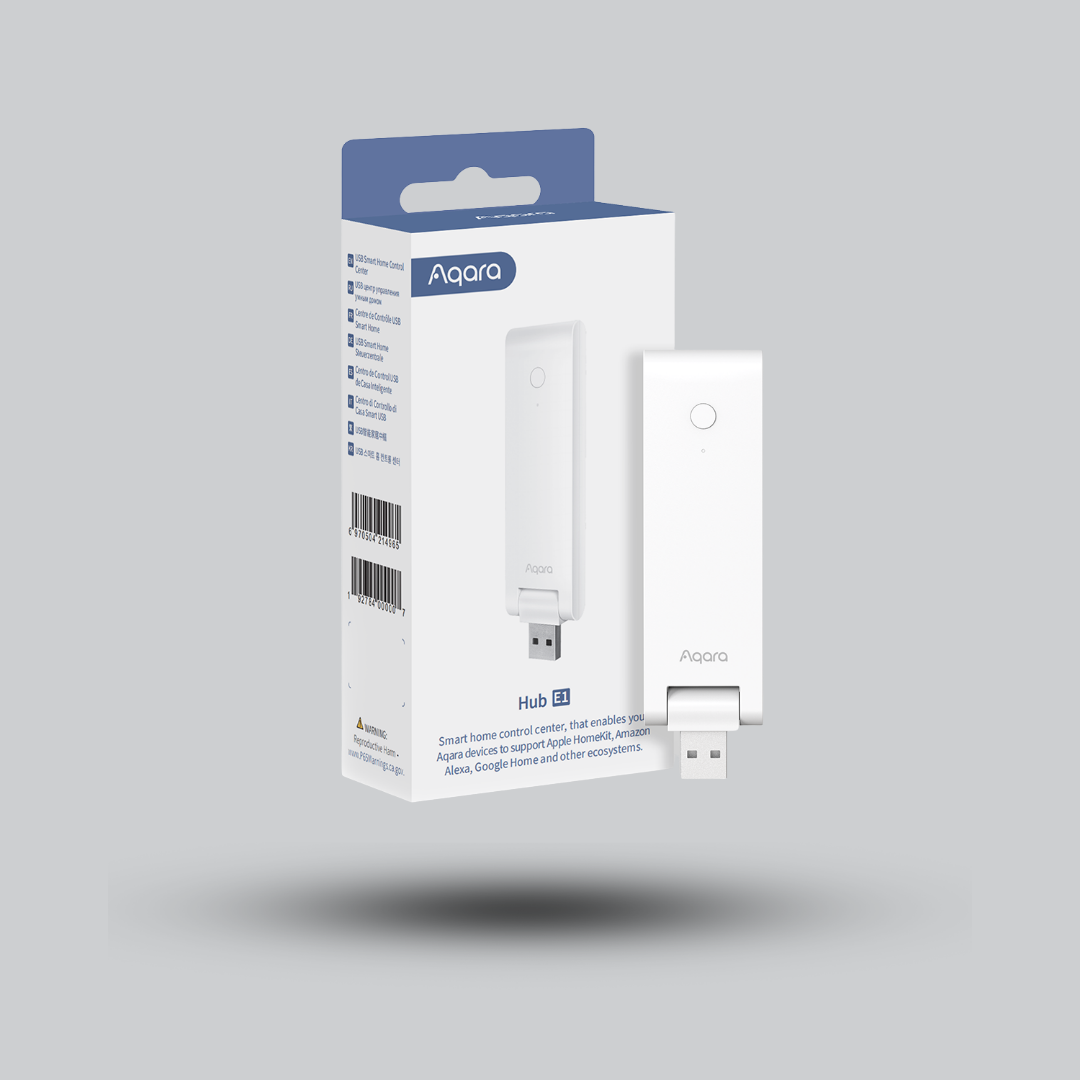
The M1S Gen 2 adds the features that make a hub useful for security and ambience: a 2W speaker for alarms and doorbell alerts, an RGB light ring with 18 LEDs that works as a night light or a visual notification, and an illumination sensor you can use in automations. It supports the four HomeKit security modes (Home, Away, Night and Off) and supports local automations within the Aqara ecosystem.
It plugs straight into a wall outlet (100 to 240V, 80 x 80 x 41.5 mm) and connects over 2.4GHz Wi-Fi. It does not connect to a 5GHz-only network, and it is not a router or a range extender. Check the plug version before you order.
Choose it if you plan door and window sensors with an audible alarm, or a night light in a hallway, and you want one device for both.
Aqara Hub M2: infrared remote and Ethernet
The M2 is the most connected hub of the three non-camera options. It has a 360° infrared blaster that controls traditional devices such as TVs and air conditioners from the app or by voice. For networking it has an Ethernet RJ45 port, dual-band Wi-Fi with a 2×2 MIMO antenna and Bluetooth Low Energy. It also has a built-in speaker, powered by Micro-USB 5V, and the product page notes that local automations keep working if the internet connection goes down.
Choose it if you want to bring an old air conditioner or TV into your routines, or you prefer a cable to your router for a more stable connection.

Aqara Camera Hub G3: a 2K camera with a hub inside
The G3 is two products in one: an indoor security camera and a Zigbee 3.0 hub. The camera records at 2304 x 1296, has a 110° lens, rotates up to 340° horizontally and 45° vertically, and supports face, pet and gesture recognition. It also has an infrared controller, dual-band Wi-Fi, a physical privacy mode that turns the lens away, and optional local storage on a microSD card of up to 128 GB (the card is sold separately).
Two limits from the product page are worth knowing. It is for indoor use only, and with Apple HomeKit Secure Video the recording resolution may be limited to 1080p. AI features and integrations depend on the app and software version.
Choose it if you want one device for monitoring a room and connecting Aqara sensors, and you do not want to buy a separate hub.

Which Aqara hub should you buy?
- Just starting and on a budget: the Hub E1.
- Want an alarm sound or a night light: the Hub M1S Gen 2.
- Want to control an old TV or air conditioner, or use a network cable: the Hub M2.
- Want an indoor camera as well: the Camera Hub G3.
- Large home or many devices: every hub lists up to 128 Zigbee devices, but reaching that number needs repeaters such as smart plugs. Practical capacity depends on your network, so plan repeaters from the start.
You can add a second hub later, for example a G3 in the living room and an M1S in the hallway, and keep your devices in the same Aqara Home account. If you are not sure, tell us what you plan to connect on WhatsApp and we will suggest one.
Aqara devices that use these hubs
Start small and add devices after the first week. These Aqara Zigbee devices are in stock at Aura and are common first picks:

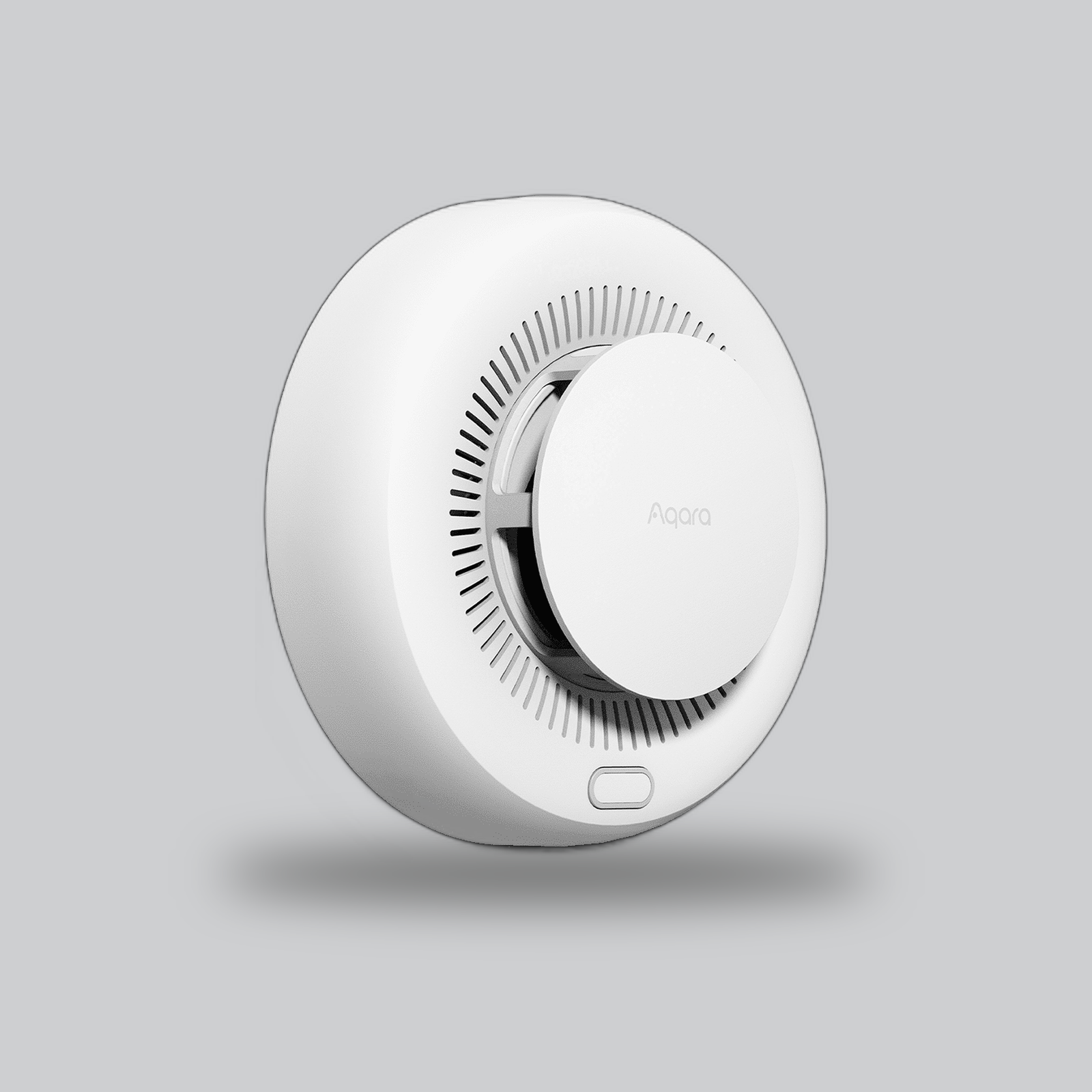
See the full range in our Aqara collection. For voice control with these hubs, read our Alexa in Egypt guide, and for routines see smart home automation. If you are new to all of this, start with the Smart Home Egypt guide.
Other Aqara hubs, such as the M3 and the M100, are listed on Aura but were out of stock on 25 November 2026. Ask us on WhatsApp if you need them.
Aqara hubs: frequently asked questions
Which Aqara hub is best for beginners?
The Aqara Hub E1 is the simplest and lowest-priced option. It connects Zigbee devices through the Aqara Home app and works with Apple Home, Alexa and Google Assistant.
What is the difference between Aqara Hub E1 and M1S Gen 2?
Both are Zigbee 3.0 hubs with up to 128 devices. The M1S Gen 2 adds a 2W speaker, an 18-LED RGB light ring and an illumination sensor, and plugs directly into a wall outlet. The E1 is smaller and uses USB-A power.
Does the Aqara Hub M2 control an air conditioner?
Yes. It has a 360° infrared blaster for controlling compatible TVs and air conditioners from the app or by voice, depending on the appliance and the available control profiles.
Is the Aqara Camera Hub G3 also a hub?
Yes. It is a 2K indoor camera with a built-in Zigbee 3.0 hub, so you do not need a separate hub for compatible Aqara devices. It is for indoor use only.
How many devices can an Aqara hub connect?
Each hub on this page lists up to 128 Zigbee child devices. Reaching the maximum needs suitable repeaters such as smart plugs, and real capacity depends on your network.
Do I need an Aqara hub for every Aqara device?
Not every one. Many Aqara Zigbee sensors and switches need a hub, while some devices connect over Wi-Fi or Bluetooth. Check the Connection line on each product page.
Do Aqara hubs work with Alexa and Google?
Yes. The hubs on this page list Apple Home, Alexa and Google Assistant support. Not every device or feature is available on every platform, so check the product page.
Not sure which hub fits your home?
Tell us what you want to connect (sensors, switches, curtains, an air conditioner or a camera) on WhatsApp. We will suggest the right hub.