



Blog
Zigbee Gateway Explained: Do You Need One? | Aura


You searched for Zigbee because a switch, sensor or kit says it needs it. This guide answers the questions people actually type: do you need a gateway, is Zigbee better than WiFi, does it work without internet, and which gateway to buy.
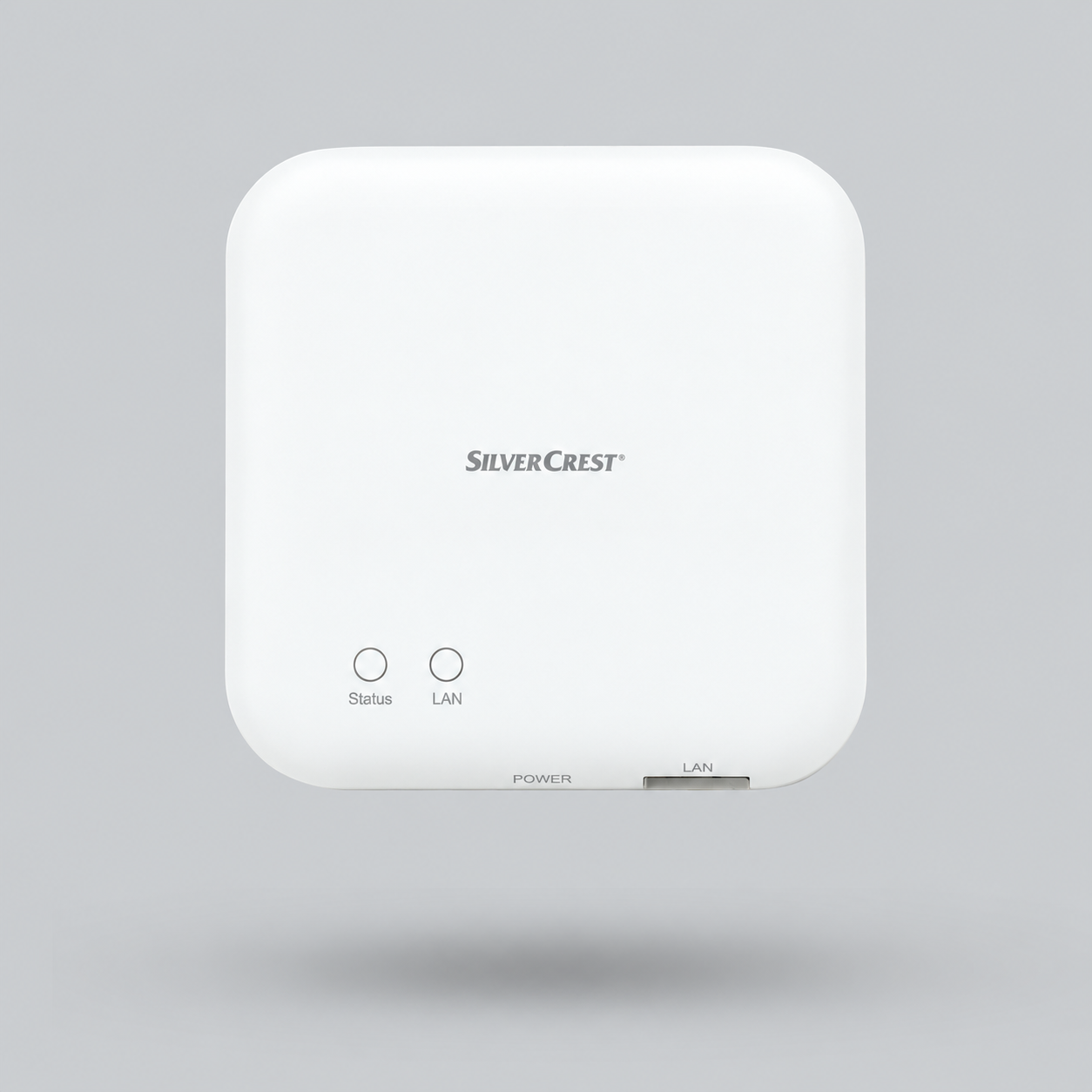
Zigbee is a low-power wireless language for smart home devices. Zigbee devices do not join your WiFi: they connect to one gateway that connects to your router, so yes, you need one gateway per home. Choose Zigbee for sensors, switches and whole-home setups, and WiFi for one or two standalone devices. New to smart homes? Start with our complete smart home guide for Egypt.
What is Zigbee, in plain words?
You are probably here because a switch, sensor or smart home kit you want to buy says Zigbee and the listing never explains what that means. Here is the short version.
Zigbee is a low-power wireless language that smart home devices use to talk to each other. A Zigbee switch or sensor does not join your WiFi. It talks to a small box called a gateway (also called a hub or bridge), and the gateway connects to your router. It is an open standard maintained by the Connectivity Standards Alliance, the same group behind Matter.
Why do people choose it? Three reasons you will notice in daily life:
- Battery sensors that last. Door, motion and temperature sensors use very little power, so a small battery often lasts a year or more.
- It stays stable with many devices. Your router is not asked to hold dozens of smart devices, and the devices help each other reach the gateway.
- Fast, local reactions. A sensor and a switch connected to the same gateway can react to each other quickly.
The trade-off is simple: you need one gateway before the first Zigbee device works. That is what the next question is about.
Do I need a Zigbee gateway (hub)?
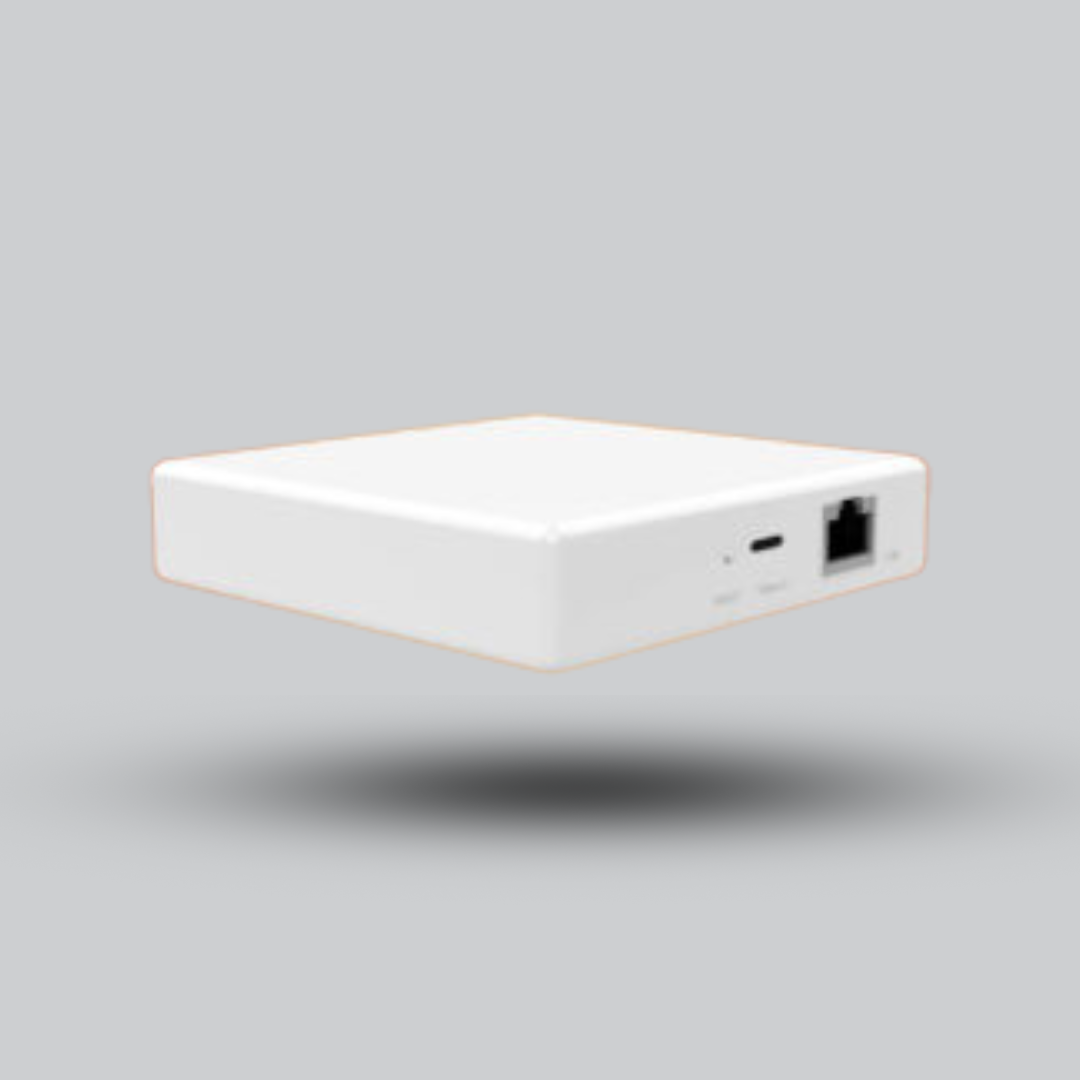
Yes. Zigbee devices cannot connect to a router on their own. You need one Zigbee coordinator in the house, and a Zigbee gateway is the most common way to get it. You only need one per home, then you can keep adding devices.
What a Zigbee gateway does for you:
- Pairs your Zigbee devices and keeps them organised in one app.
- Connects them to your router so you can control them when you are out.
- Links them to Alexa, Google Home or Apple Home through the gateway’s own integration.
- Runs your rules. Depending on the brand, some rules run on the gateway itself and some in the cloud.
Gateway, hub, bridge, dongle: what is the difference?
| Type | What it is | Best for |
|---|---|---|
| Gateway / hub | A box that plugs into power and your router (cable or WiFi) and has its own app | Most homes. The easy choice. |
| Bridge | The same idea, usually from a single brand | People who already use that brand’s app |
| USB dongle | A stick that plugs into a computer or mini server running Home Assistant | Advanced users who want full control and local rules |
| Matter-ready gateway | A Zigbee gateway that also shares devices with Matter platforms | People who want to change platform later |
How does Zigbee work? Why it is called a mesh
Zigbee devices form a mesh. Instead of every device calling the gateway directly, devices that are plugged into power pass messages along. That is why a Zigbee home usually gets stronger as you add more mains-powered devices.
| Role | Which devices | What they do |
|---|---|---|
| Coordinator | The gateway or dongle | Starts the network and talks to your router |
| Routers | Wall switches, plugs, bulbs, in-wall modules | Relay messages and extend range, because they are always powered |
| End devices | Battery sensors, remotes, buttons | Sleep to save battery and talk only when needed |
Practical tip: install some mains-powered Zigbee devices first, such as a plug or a switch module, then add battery sensors. The sensors will connect through them, which usually gives a more reliable network.
Zigbee vs WiFi: which one should I buy?
This is the question behind most searches for zigbee vs wifi and zigbee smart switch. The honest answer: both are good, for different jobs.
| Zigbee | WiFi | |
|---|---|---|
| Needs a gateway? | Yes, one for the whole home | No, connects to your router |
| Battery sensors | Excellent, very low power | Drains batteries faster |
| Many devices | Handles many devices well, and the mesh helps | Every device uses a router connection, so a busy router can struggle |
| Setup for one device | Gateway first, then pair | Fastest: plug in and connect |
| Best for | Switches, sensors, plugs, many rooms | One or two devices, cameras, speakers |
Our rule of thumb: if you are automating a whole apartment or villa, or you want battery sensors, build on Zigbee. If you only want to control one lamp or one appliance, a WiFi device is simpler. Cameras and speakers are normally WiFi.
Zigbee switch or WiFi switch?
For lighting we usually suggest Zigbee when you are switching several lights, because the switches also strengthen the mesh. WiFi switches are fine for one or two. Either way, check your switch boxes for a neutral wire before choosing an in-wall switch. If there is no neutral, a small module behind your existing switch or a no-neutral model is the safer route.
Zigbee vs Matter vs Thread: do I need to care?
Short answer: no, you do not have to choose today.
- Zigbee is a wireless protocol with a huge range of affordable devices that already exist.
- Matter is a newer standard that lets devices from different brands work with Alexa, Google Home and Apple Home.
- Thread is a low-power mesh network, similar in spirit to Zigbee, that Matter devices can use.
They are not rivals you must pick between. A Matter-ready Zigbee gateway keeps your Zigbee devices working and can also share them with Matter platforms. If you want to keep your options open, choose one of those gateways.



Does Zigbee work without internet?
Zigbee itself does not need the internet. The devices talk to the gateway directly. What changes during an outage is what the gateway can do:
- Rules stored on the gateway or a local hub usually keep running.
- Rules that live in the brand’s cloud and remote access from outside the home pause until the internet returns.
- Voice control through Alexa or Google needs the internet.
So the real question is where your rules run. For safety and security, choose a Zigbee gateway that can run them locally. And remember the gateway and your router need power too: a small UPS or power bank helps during power cuts, while battery sensors keep working on their own.
Is Zigbee reliable? Why devices sometimes drop
Yes, a well-planned Zigbee network is very stable. When people report problems, it is almost always one of these four things:
- No routers nearby. A battery sensor far from any mains-powered Zigbee device has a weak path. Add a plug or a switch module in between.
- WiFi interference. Zigbee and WiFi share the 2.4 GHz band. Many gateways pick a channel automatically; if yours lets you choose, Zigbee channels 15, 20, 25 or 26 usually overlap least with the common WiFi channels 1, 6 and 11.
- Zigbee gateway placement. Keep it central and away from metal cabinets and routers. For a USB dongle, use a short extension cable and keep it away from USB 3 ports and drives.
- Pairing too far away. Pair a new device close to the gateway or a router device first, then move it to its final spot.
How do I extend Zigbee range?
Add mains-powered Zigbee devices where signal is weak, or a dedicated repeater. Every plug, wall switch or relay module you add also acts as a repeater.


Which Zigbee gateway should I choose?
Pick the Zigbee gateway by the app and ecosystem you want to live in, not by the box. Most Zigbee 3.0 devices will pair with any Zigbee 3.0 gateway, but each brand’s own app shows the most features with its own gateway.
| If you want… | Choose |
|---|---|
| The easiest start and the widest choice of devices | A Tuya or Smart Life gateway (MOES, AVATTO, Tuya, Zemismart) |
| Local control and a private hub | SONOFF iHost, or a SONOFF Zigbee bridge |
| Aqara sensors and the Aqara app | An Aqara hub |
| To keep platform options open | A Matter-ready Zigbee gateway (see above) |
| Full control and Home Assistant | A Zigbee USB dongle on your own server |


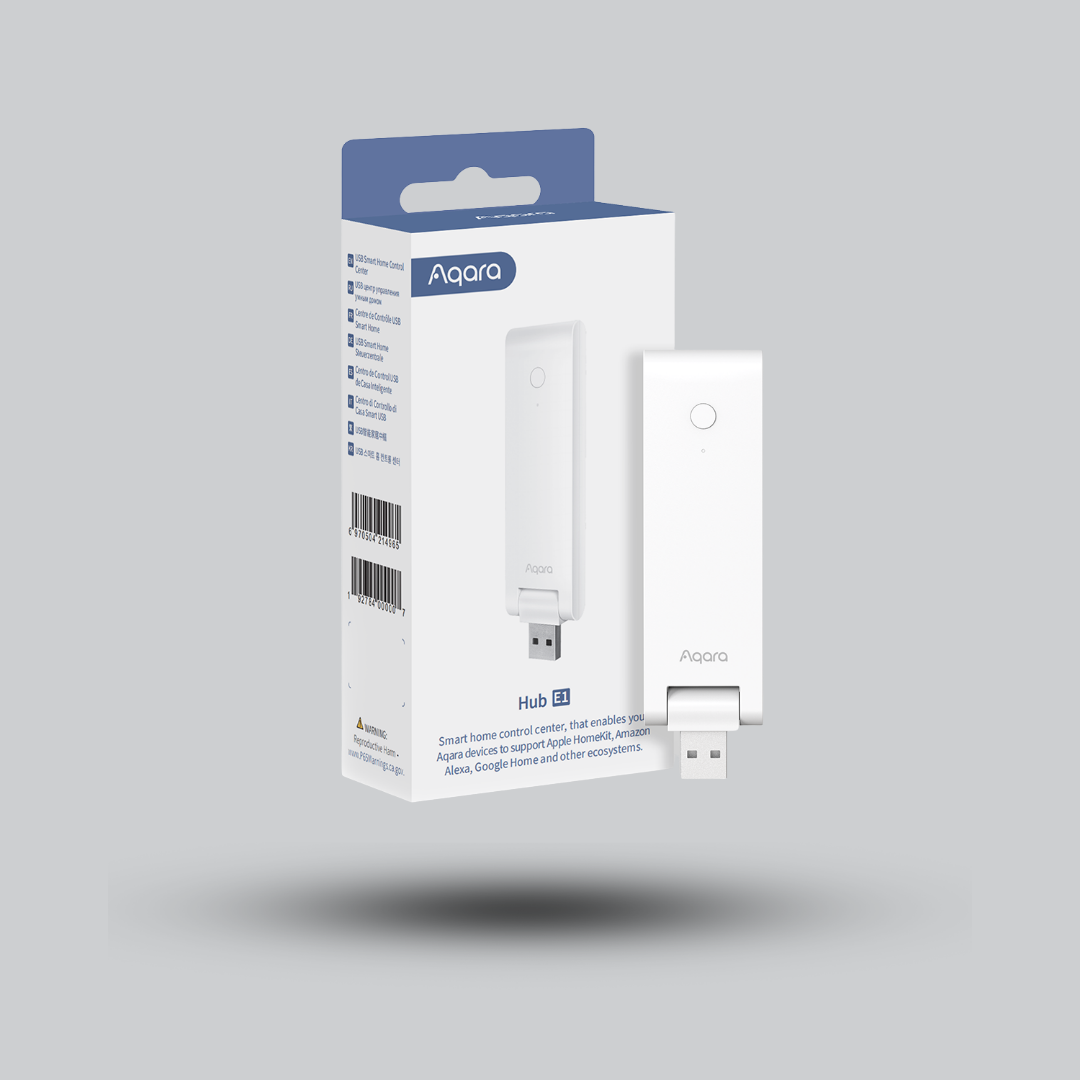

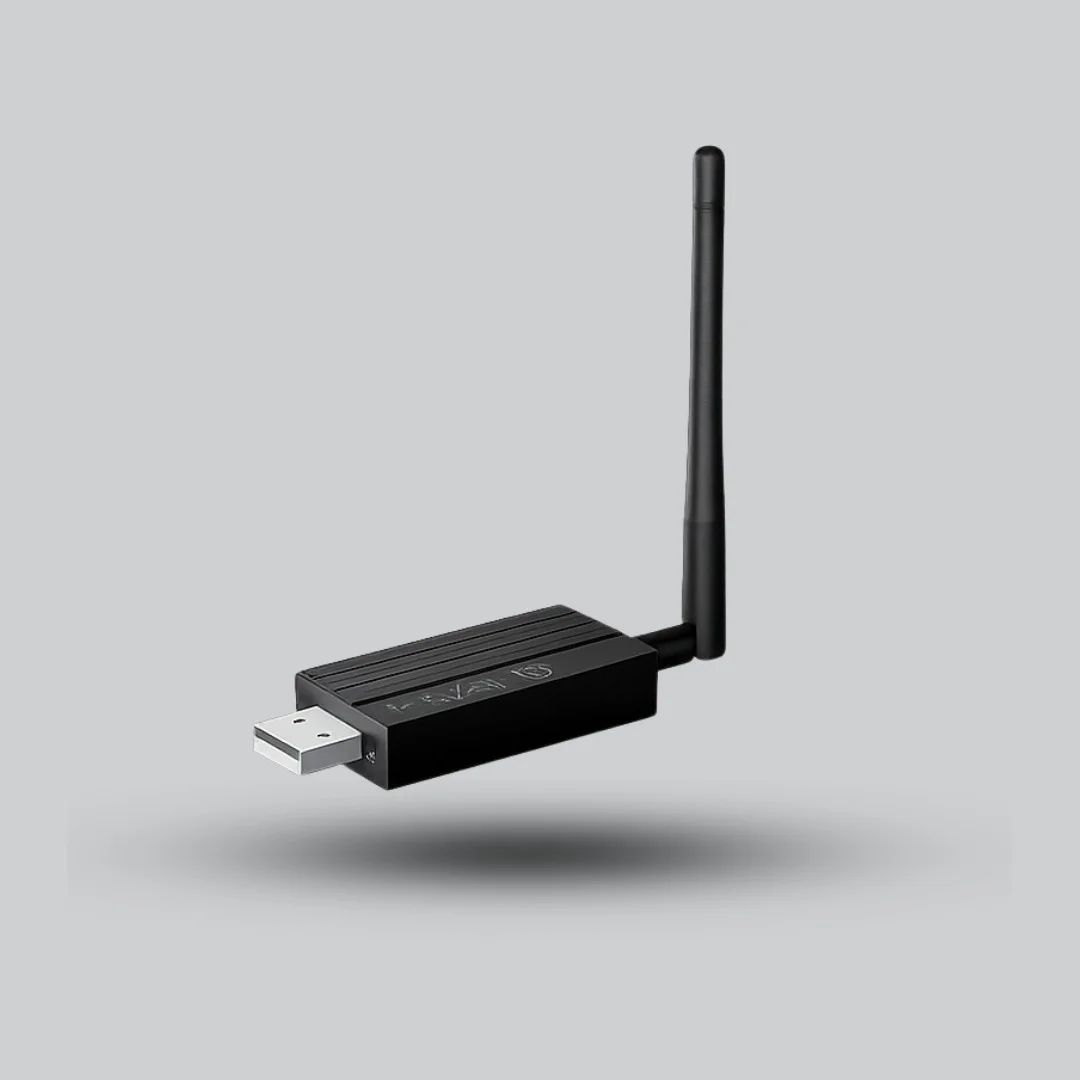
See the full range in our hubs and gateways category, or send us your device list and we will tell you which gateway fits.
Zigbee smart switches and modules
These are the best sellers for people starting with lighting. Wall switches replace your existing ones; small modules hide behind them and keep the look you already have.


Browse the full smart light switches range.
Zigbee sensors: where Zigbee really shines
Sensors are the reason many people choose Zigbee. They trigger useful rules and last on a small battery:
- Door and window: alert you or switch off the AC when a window is open.
- Motion: turn on a light at night, then off again.
- Temperature and humidity: start a fan or AC at the right time.
- Water leak, smoke and gas: early warnings that protect your home.


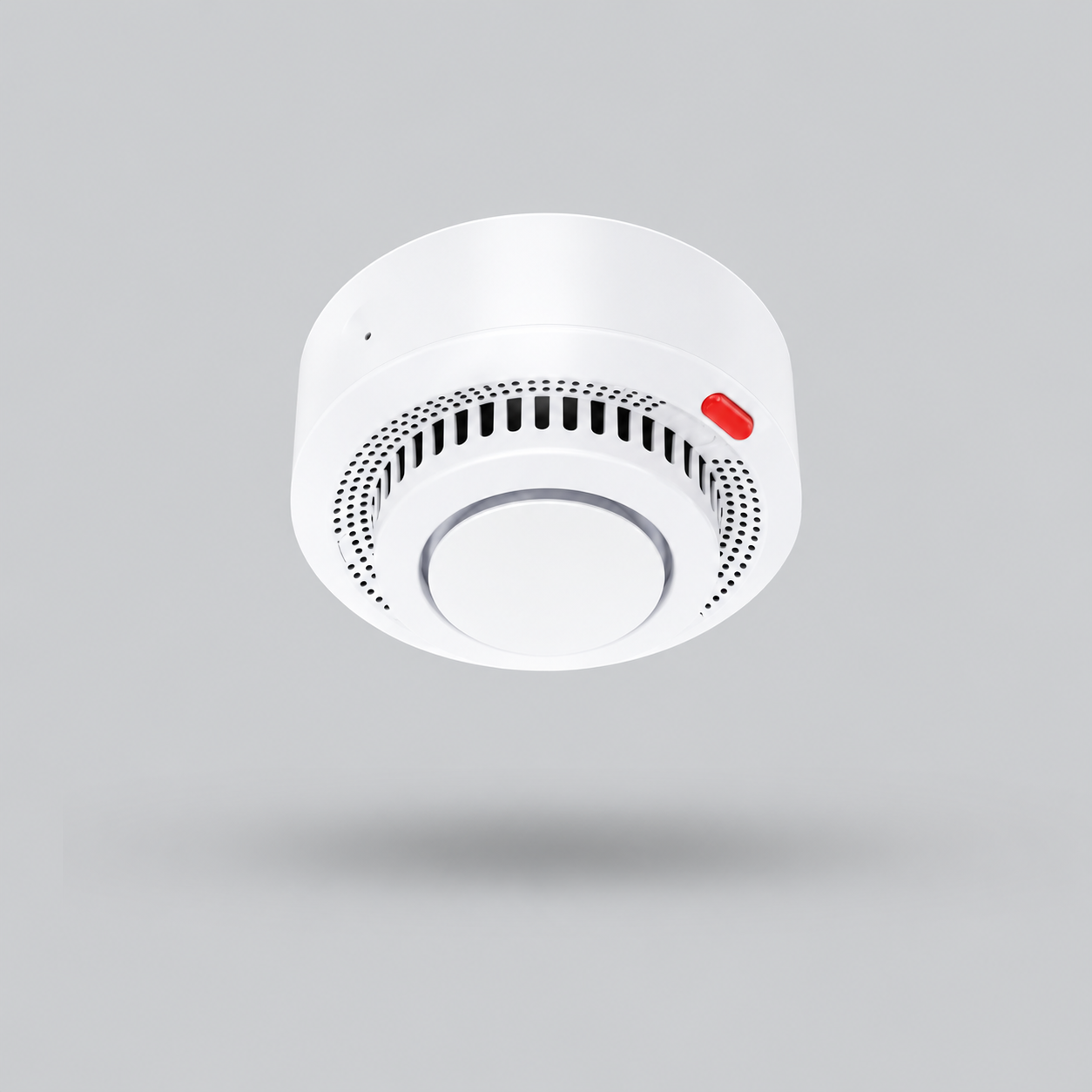

All Zigbee sensors are in our sensors category.
How to set up Zigbee in 6 steps
- Place the Zigbee gateway in the middle of the home, plug it into power and connect it to your router (cable or WiFi).
- Install the brand’s app and add the Zigbee gateway.
- Add mains-powered devices first: a plug, a switch or a module. They become your routers.
- Pair each device: put it in pairing mode (usually a long press or reset button), then add it from the app while you are close to the gateway.
- Add battery sensors and move them to their final place.
- Create one useful automation, test it, and then add more. For ideas, read our smart home automation guide.
Common Zigbee mistakes to avoid
- Buying devices before choosing a gateway and app. Pick the ecosystem first.
- Starting with battery sensors only. Add a few mains-powered devices to build the mesh.
- Hiding the Zigbee gateway inside a metal box or next to the router.
- Forgetting the neutral wire when choosing in-wall switches.
- Relying on cloud rules for safety. Run critical rules locally.
- Resetting the Zigbee gateway without a backup, which means re-pairing every device.
How much does Zigbee cost? Is Zigbee free?
There is no subscription for Zigbee itself: you buy a Zigbee gateway once and then the devices you want. The total depends on how many rooms you automate and which brands you choose, so start with one room and one gateway and grow from there.
Prices change, so we do not list them in this guide. Open any product to check availability, or send us your list on WhatsApp for a quote. If you want a complete kit, see our smart home packages.
Frequently asked questions about Zigbee
Do I need a gateway for Zigbee?
Yes. Zigbee devices connect to a Zigbee coordinator, usually a gateway, hub or USB dongle, rather than directly to your router. You need one per home, then you can add many devices. Some other devices, such as certain Echo models or control panels, already include a Zigbee hub, so check before you buy.
Is Zigbee better than WiFi?
Neither is better for everything. Zigbee is better for battery sensors, many devices and whole-home setups, because it uses little power and forms a mesh. WiFi is simpler for one or two devices, cameras and speakers because it needs no gateway.
Does Zigbee work without internet?
Zigbee devices talk to the gateway directly, so local control can work without internet. Rules that run on the gateway or a local hub usually keep working, while cloud rules, remote access and voice control need the internet.
What is the difference between Zigbee and Matter?
Zigbee is a wireless protocol, while Matter is a standard that lets devices from different brands work with Alexa, Google Home and Apple Home. A Matter-ready Zigbee gateway keeps your Zigbee devices working and can also share them with Matter platforms.
Is Zigbee reliable?
Yes, when the network is planned well. Add mains-powered Zigbee devices to build a mesh, place the gateway centrally, and avoid WiFi interference. Most dropouts come from a weak mesh or a badly placed gateway.
How far does Zigbee reach and how do I extend it?
Range depends on walls and materials, so plan on one room or two between devices. Plugs, wall switches and relay modules act as repeaters, and a dedicated Zigbee repeater helps in weak spots.
Can I mix Zigbee brands such as Tuya, SONOFF and Aqara?
Most Zigbee 3.0 devices can pair with any Zigbee 3.0 gateway, but each brand’s own app shows the most features with its own gateway. If you want to mix brands freely, a Home Assistant setup with a USB dongle gives the most flexibility.
Can Alexa or Google Home control Zigbee devices?
Yes, through the gateway’s integration or through a hub built into the speaker. Most Zigbee gateways can be linked to Alexa and Google Home in a few steps.
Is Zigbee free to use?
There is no subscription for Zigbee itself. You pay once for the gateway and the devices. Some brand apps may offer optional paid cloud features, so check the brand.
Which Zigbee gateway is best for beginners?
A Tuya or Smart Life gateway is the easiest start with the widest choice of devices. If you want local control, look at SONOFF iHost. If you plan to use Aqara sensors, choose an Aqara hub.
Not sure which Zigbee gateway fits your home?
Send us your device list or a photo of your switch boxes on WhatsApp. We will suggest the right gateway, switches and sensors.