


Blog
Alexa in Egypt: Which Echo Should You Buy?

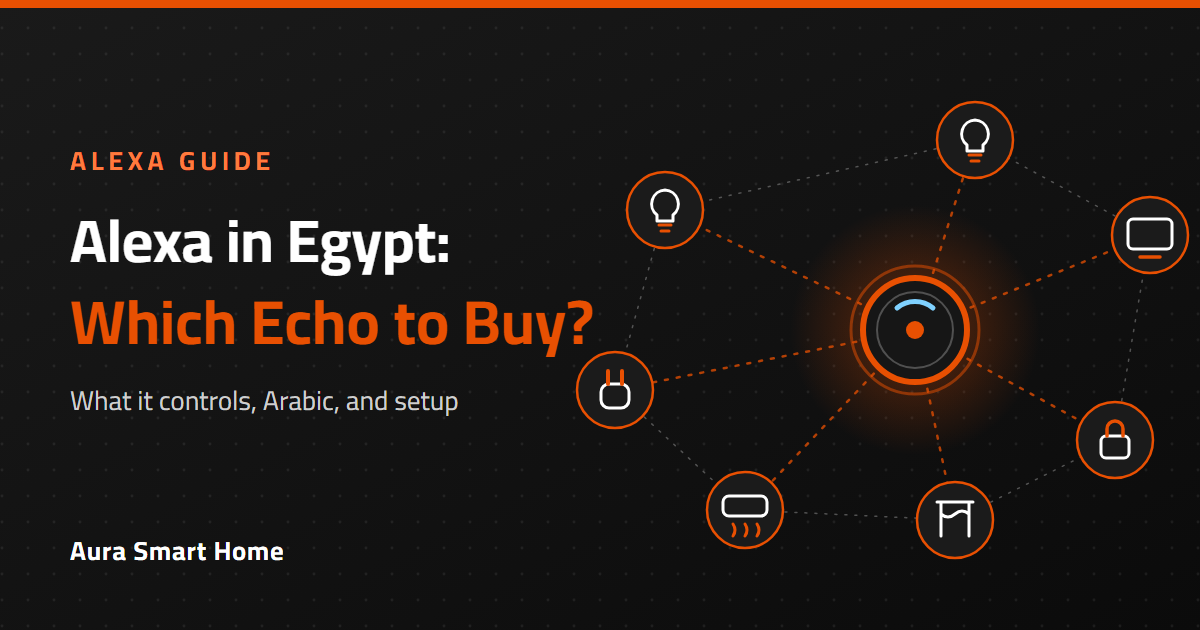
You searched for Alexa in Egypt because you want to control your home by voice. This guide answers what people actually ask: does Alexa work in Egypt, does it speak Arabic, which Echo to buy, and what it can control.

Alexa is Amazon’s voice assistant. Alexa in Egypt works for smart home control: set up your Echo in the Alexa app, link your smart devices and control lights, plugs, AC and curtains by voice. Choose Echo Dot for a simple start, Echo Show if you want a screen, and Echo Hub as a wall panel. Arabic is available in selected regions and many households use English commands. New to smart homes? Read our complete smart home guide for Egypt.
What is Alexa, and what can it do at home?
Alexa is Amazon’s voice assistant. You talk to an Echo speaker or smart display, and it answers questions, plays music, sets timers and, most usefully for a smart home, controls your devices: lights, plugs, AC, curtains and more.
People usually search for Alexa because they want one of three things:
- Hands-free control: “Alexa, turn off the living room lights.”
- One place for everything: switches, sensors and plugs from different brands in a single app.
- Routines: one phrase that does several things, such as “Alexa, good night.”
Alexa itself does not switch anything on. It needs smart devices that are compatible with Alexa, and the rest of this guide shows how to choose them. New to smart homes? Start with our complete smart home guide for Egypt.
Does Alexa work in Egypt?
Yes, Alexa in Egypt works for smart home control. You set up Echo devices with the Alexa app on your phone, connect them to your WiFi, and link your smart home devices.
One thing to know before you buy: some Alexa features depend on the region and language you set up the device with. Music services, shopping, local news and similar features can differ from country to country. Smart home control is the part that works the same way wherever you are.
Does Alexa speak Arabic?
This is one of the most common questions we get, and the honest answer has two parts:
- Arabic is available on Echo devices in selected regions and language settings, and Alexa understands Arabic commands there.
- Understanding of the Egyptian dialect can vary. Many households in Egypt use English commands for their smart home, such as “turn on the bedroom light,” because they work reliably.
Before you decide, try the voice commands you would actually use. Short, clear device names help in any language: “bedroom light” works better than a long description. If Arabic voice control is essential for you, tell us on WhatsApp and we will help you choose.
Which Echo should I buy for Alexa in Egypt?
The right Echo depends on where it will live and how you want to use it:
| You want… | Choose | Why |
|---|---|---|
| The simplest, most affordable start | Echo Dot | A small speaker that fits in any room. Great for a bedroom or kitchen. |
| Better sound for a living room | Echo Dot Max | Still compact, with a bigger sound. |
| A screen for your devices, timers and video calls | Echo Show 5 or Echo Show 8 | See your lights, cameras and routines at a glance. Show 5 for a bedside, Show 8 for a kitchen or living room. |
| A big display for a hub in the home | Echo Show 11 or Echo Show 15 | A larger display, and Show 15 is made to mount on a wall. |
| A wall control panel for your smart home | Echo Hub | An 8-inch panel dedicated to controlling your home. |
| A bedside alarm clock | Echo Spot | A compact alarm clock with Alexa. |


Browse all of them in the voice assistants category.
What can Alexa in Egypt control in my home?
Anything that is compatible with Alexa. In practice that means:
- Lights and switches: turn them on and off, dim them, group them by room.
- Plugs: control a fan, a lamp or a water heater and check energy use on models with monitoring.
- AC and TV: through an IR remote that learns your remote control’s signals.
- Curtains and shutters: open and close by voice or on a schedule.
- Sensors and locks: use them as triggers or check their status.
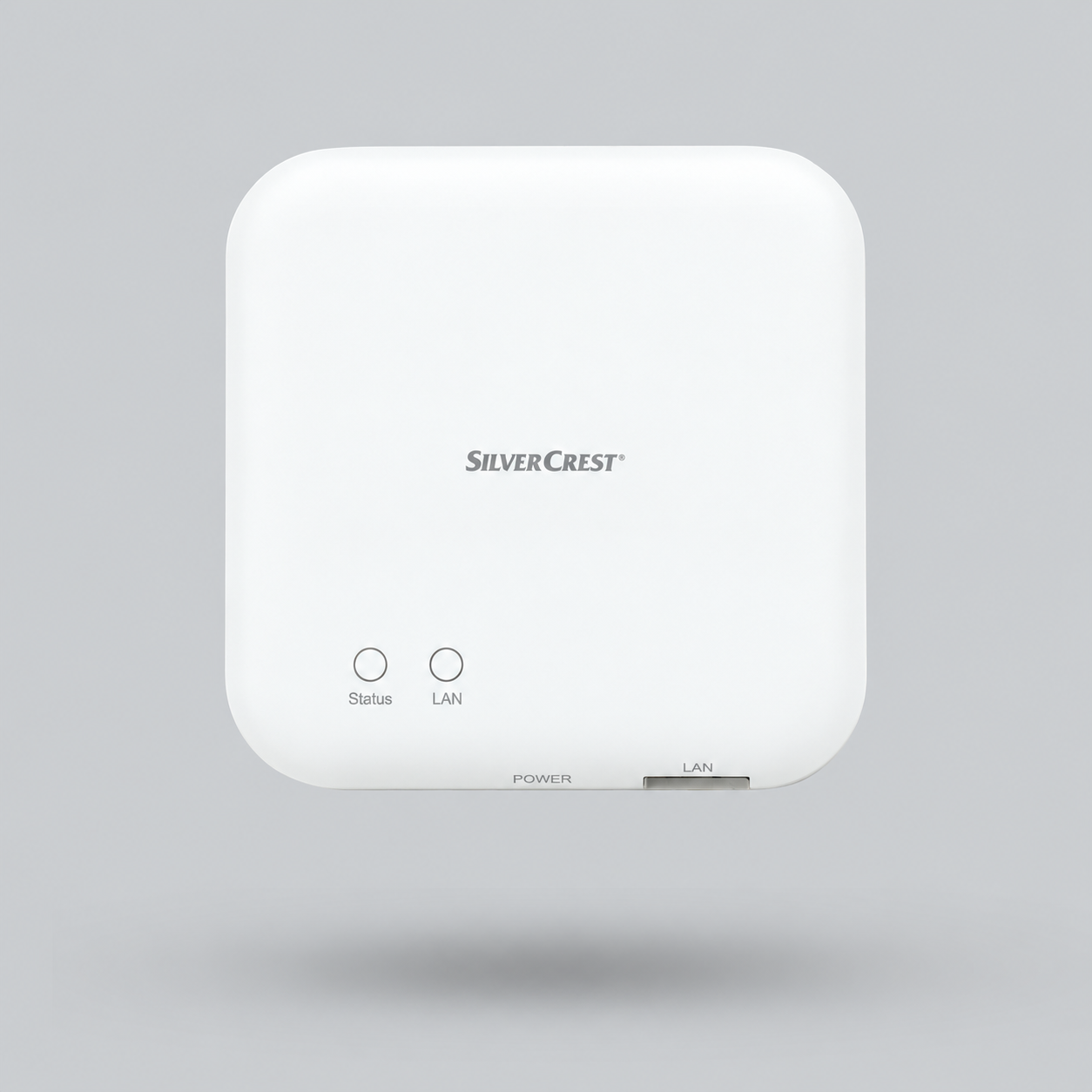
Most devices are labelled “works with Alexa” and connect through their own app or hub first, and then you link that app to Alexa as a skill. Here are devices that work well as a start:


If you are choosing between WiFi and Zigbee devices, read Zigbee explained: do you need a gateway?
How to set up Alexa in Egypt in 6 steps
- Plug in the Echo and install the Alexa app on your phone.
- Connect it to your WiFi and choose the language and region.
- Set up your devices in their own app first (Smart Life, eWeLink, Aqara or the brand’s app), so they work on their own.
- Link each app to Alexa by adding its skill in the Alexa app, then run Discover devices.
- Name devices simply and put them in rooms: “bedroom light,” “living room AC.”
- Create a routine, such as “good night,” that turns off lights and closes curtains.
When you are comfortable, add rules that run on their own. Our smart home automation guide has ideas you can copy.
Alexa or Google Home: which is better?
Both are good. The better one is the one that fits your phone, your language and your devices.
| Alexa | Google Home | |
|---|---|---|
| Devices it works with | A very wide range of smart home brands | A very wide range, with strong Android integration |
| Speakers and screens | Echo Dot, Show, Hub and more | Nest speakers and displays |
| Routines | Simple and powerful in the Alexa app | Strong with Google services |
| Best if you… | Want a big choice of speakers and screens | Live in the Google ecosystem |
Many homes use both. Most devices sold today work with both assistants, so you are not locked in. If you want to keep your options open, a Matter-ready gateway makes it easier to switch later. Matter is the standard that lets devices from different brands work together.
Does an Echo work as a Zigbee or Matter hub?
Some Echo models can act as a smart home hub, which means certain Zigbee or Matter devices can connect straight to the Echo without a separate gateway. Not every Echo includes this, so check the exact model’s specifications before you buy.
If your model does not include a hub, a dedicated Zigbee gateway gives you more control and reliability. We explain the difference in our Zigbee gateway guide.
Is Alexa in Egypt safe? What about privacy?
Any device with a microphone deserves a quick privacy setup. A few simple habits help:
- Use the mute button when you want the microphone off, and the camera shutter on models that have one.
- Review and delete voice history from the privacy settings in the Alexa app.
- Use a strong, unique password and two-step verification on your Amazon account.
- Keep locks and security devices on local, protected controls where possible.
Alexa in Egypt is not responding or devices show offline: what do I do?
- Check the WiFi. Restart the router and the Echo if the connection is weak.
- Check the device in its own app. If it is offline there, the problem is the device or its connection, not Alexa.
- Re-link the skill in the Alexa app if devices disappeared after a password change.
- Use short, unique device names, and avoid two devices with the same name.
- Run Discover devices again after you add something new.
How much does Alexa in Egypt cost? Is there a monthly fee?
Alexa’s basic features, including voice control of your smart home, do not need a monthly subscription. You pay once for the Echo, then for the devices you want to control. Some services you may use through Alexa, such as music apps, have their own subscriptions.
Prices change, so we do not list them in this guide. Open any product to check price and availability, or send us your list on WhatsApp for a quote. For ready-made kits, see our smart home packages.
Frequently asked questions about Alexa
Does Alexa work in Egypt?
Yes. Alexa in Egypt works for smart home control once you set them up with the Alexa app and your WiFi. Some features, such as music services, shopping and local news, depend on the region and language you choose.
Does Alexa speak Arabic?
Arabic is available on Echo devices in selected regions and language settings. Understanding of the Egyptian dialect can vary, and many Egyptian households use English commands for smart home control. Test the commands you plan to use.
Which Echo is best for beginners?
Echo Dot is the simplest and most affordable start for one room. If you want a screen for your devices, choose Echo Show 5 or Echo Show 8.
Do I need a hub to use Alexa with my smart home?
Not always. WiFi devices connect through their own app, which you link to Alexa. Zigbee devices need a Zigbee gateway, unless your Echo model includes a built-in hub, so check the model’s specifications.
Can Alexa control my AC and TV?
Yes, through a smart IR remote that learns your remote control’s signals. Link the IR remote’s app to Alexa and you can control the AC and TV by voice.
What is the difference between Echo Dot and Echo Show?
Echo Dot is a speaker with no screen. Echo Show has a display that shows your devices, timers and video. Show models are better as a control point in the kitchen, living room or bedroom.
Does Alexa need the internet?
Yes. Alexa needs internet for voice commands. Some devices and hubs can run automations locally, but voice control through Alexa needs a connection.
Do I have to pay a monthly fee for Alexa?
No. Alexa’s basic features and smart home control have no subscription. Some music or other services you use through Alexa may have their own fees.
Alexa or Google Home: which should I choose?
Choose the one that fits your phone, language and devices. Most smart home devices work with both, so you are not locked in.
How do I connect smart devices to Alexa?
Set up the device in its own app, then add the brand’s skill in the Alexa app and run Discover devices. Give each device a simple name and put it in a room.
Not sure which Echo and devices fit your home?
Tell us what you want to control on WhatsApp. We will suggest the right Echo and compatible devices.