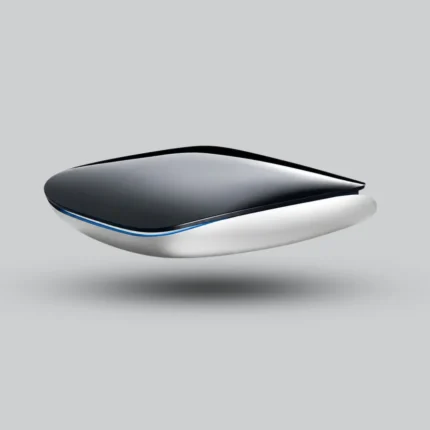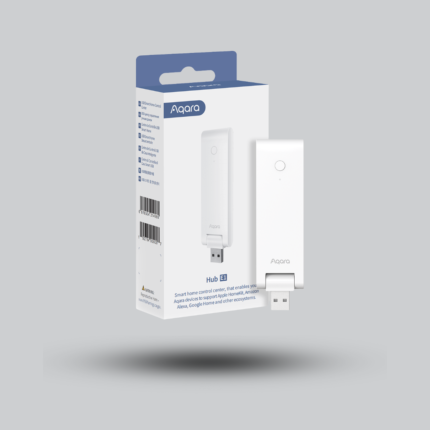
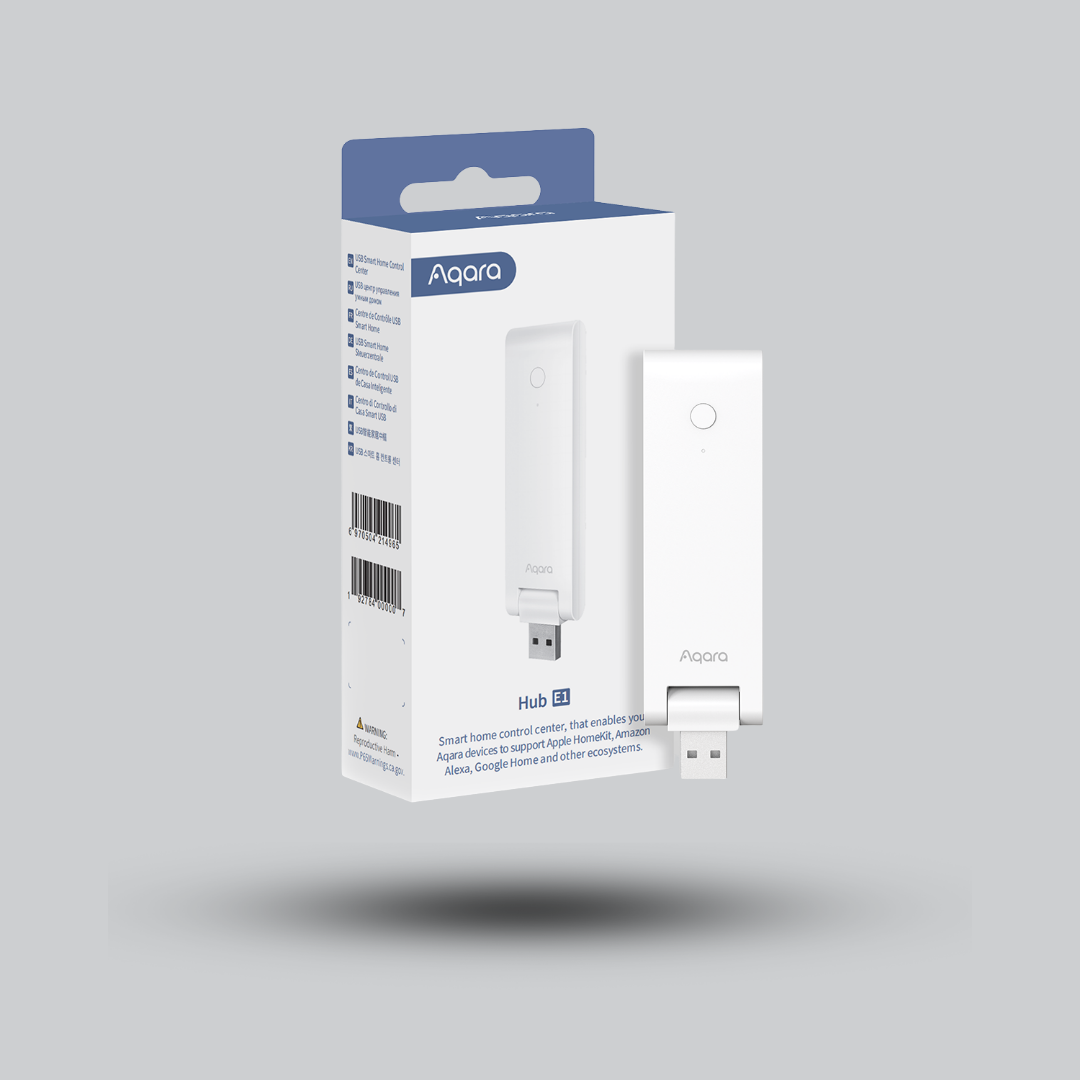
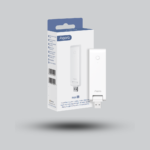


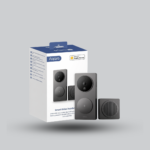
Aqara Hub E1 Zigbee 3.0 Smart Home Hub
EGP3,910.00 Original price was: EGP3,910.00.EGP3,400.00Current price is: EGP3,400.00.
Product Manual
- Aqara_Hub_E1_Product_Sheet-2
- Aqara_Hub_E1_Datasheet-1
Aqara Hub E1 is a compact USB-powered Zigbee 3.0 smart home hub that connects compatible Aqara devices through the Aqara Home app. It supports Apple HomeKit, Alexa and Google Assistant, includes a 2.4 GHz Wi-Fi repeater function, and can connect up to 128 Zigbee devices with the required repeaters.
9 in stock
Features & Design
Connects Aqara sensors, switches, lighting and security devices in one place, with easy control through the Aqara Home app.
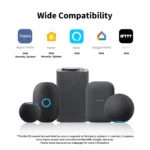
Works with Apple HomeKit, Amazon Alexa, Google Assistant and IFTTT for voice control and advanced smart automations.
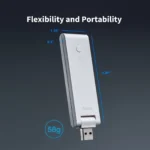
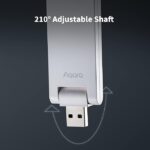
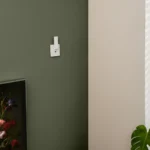
A small 108 × 30 × 8 mm hub powered through a USB-A port, with a 210° adjustable shaft for flexible placement.
Applications
- Homes and apartments
- Offices
- Sensors, switches and security devices
- Building an Aqara smart home system
How does the smart home hub work?
The hub joins your 2.4GHz Wi-Fi network, connects compatible Aqara devices over Zigbee 3.0, and is managed from the Aqara Home app for smart scenes and automations.
Power it up
Plug the hub into a USB port that provides power, wait for the yellow indicator to flash quickly, and make sure your phone is on a 2.4GHz Wi-Fi network.
Add it to Aqara Home
Open the Aqara Home app, tap "+" at the top right of the home page, select Hub E1 and follow the prompts, keeping your phone close to the hub on the same network.
Add accessories
Once the hub is added, add each accessory as described in its own manual; HomeKit compatible accessories sync to the Apple Home app automatically.
01Power it up
Plug the hub into a USB port that provides power, wait for the yellow indicator to flash quickly, and make sure your phone is on a 2.4GHz Wi-Fi network.
02Add it to Aqara Home
Open the Aqara Home app, tap "+" at the top right of the home page, select Hub E1 and follow the prompts, keeping your phone close to the hub on the same network.
03Add accessories
Once the hub is added, add each accessory as described in its own manual; HomeKit compatible accessories sync to the Apple Home app automatically.
Operating features
Wi-Fi repeater
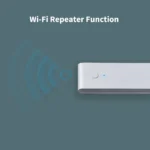
Turn on the 2.4GHz Wi-Fi repeater function in the app and change the default SSID and password; it supports up to two Wi-Fi devices and up to 4Mbps.
HomeKit pairing
Scan or enter the HomeKit setup code on the hub nameplate in the Apple Home app and follow the prompts; keep the code in a safe place.
Function button
Long press for 10 seconds to reset the network and unbind the hub, or press 10 times quickly to restore factory settings.
ImportantUp to 128 devices can be connected when suitable Zigbee repeaters are in place, such as smart wall switches with neutral or smart plugs.
Specifications & Details
Technical specifications
Product
- Brand
- Aqara
- Product Name
- Hub E1
- Model
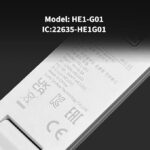
- HE1-G01
- Color
- White
Connectivity and compatibility
- Wireless Protocols
- Zigbee 3.0 IEEE 802.15.4, Wi-Fi 2.4GHz
- App
- Aqara Home
- Compatibility
- Apple HomeKit, Alexa, Google Assistant, IFTTT
- Devices Supported
- Up to 128 with Zigbee repeaters
- Range
- Up to 30 m without obstructions
Product details
Power and design
- Power Port
- USB-A
- Input Power
- 5V ⎓ 0.5A
- Power Consumption
- 2.5W Max
- Rotation Angle
- 210°
Size and operation
- Dimensions
- 108 × 30 × 8 mm
- Weight
- 58g
- Operating Temperature
- -10°C ~ 40°C
- Operating Humidity
- 0 ~ 95% RH, no condensation
- Environment
- Indoor use only
Important technical noteFor stable communication, place the hub in the center of the area where your accessories are; with no obstructions in the room, the range to accessories can reach 30 meters.
Installation tips
- Pick a central spot
Install the hub in the center of the area where the connected accessories are located for stable communication.
- Provide USB-A power
The hub runs from a USB-A port rated 5V ⎓ 0.5A, such as a wall charger, a power bank or a PC or router USB port.
- Adjust the shaft
Turn the shaft within 210° to suit the mounting position.
- Indoor use only
For indoor use only. Keep it away from moisture, liquids and heat sources, and do not place it in an enclosure without normal ventilation.
01Pick a central spot
Install the hub in the center of the area where the connected accessories are located for stable communication.
02Provide USB-A power
The hub runs from a USB-A port rated 5V ⎓ 0.5A, such as a wall charger, a power bank or a PC or router USB port.
03Adjust the shaft
Turn the shaft within 210° to suit the mounting position.
04Indoor use only
For indoor use only. Keep it away from moisture, liquids and heat sources, and do not place it in an enclosure without normal ventilation.
Frequently Asked Questions
How many devices can the hub connect?
Up to 128 devices when suitable Zigbee repeaters are in place, such as smart wall switches with neutral or smart plugs.
Does it work with HomeKit, Alexa and Google?
Yes, it makes connected Aqara devices compatible with HomeKit, Alexa, Google Assistant and IFTTT, but the hub itself cannot be controlled by these ecosystems.
What if adding the hub fails?
Long press the hub button for 10 seconds to reset the network, then add it again in the Aqara Home app.
Related products
Amazon Echo Show 11 with Adjustable Stand (2025 Edition)
Amazon Echo Spot (2024) Smart Alarm Clock with Alexa
AVATTO Tuya Zigbee 3.0 Wired Gateway Hub – Wired Smart Home Gateway
EGP3,850.00
AVATTO WiFi + Zigbee Touch Interaction Center Control Panel 5 Inch
Echo Show 5 – Security, entertainment, and smart control in one device!

Reviews
There are no reviews yet.