



Blog
Smart Lock Battery: How Long It Lasts


You searched for a smart lock battery because you want to know how long it lasts, which batteries to use and what happens if it dies. This guide answers those questions, with the real battery details of the locks in our range.
A smart lock battery usually lasts from several months to about a year, depending on how often you unlock and which features are on. Locks use 4 AAA, 4 or 8 AA, or a rechargeable lithium battery. They warn you before the battery runs out, and if it does, you can connect a 5V power bank to the USB-C emergency port or use the mechanical key. Looking for a lock? Read our smart door lock guide.
How long does a smart lock battery last?
A smart lock battery usually lasts from several months to about a year, and the real number depends on how often you use the lock and which features are switched on. Manufacturers publish their own figures for smart lock battery life, always “under specified conditions”:
- About 3,000 unlocks on locks such as the Lezn K1 (4 AAA) and the Levana K1i (4 AA), depending on usage.
- Up to 365 days for the EZVIZ Y2000 on eight AA alkaline batteries.
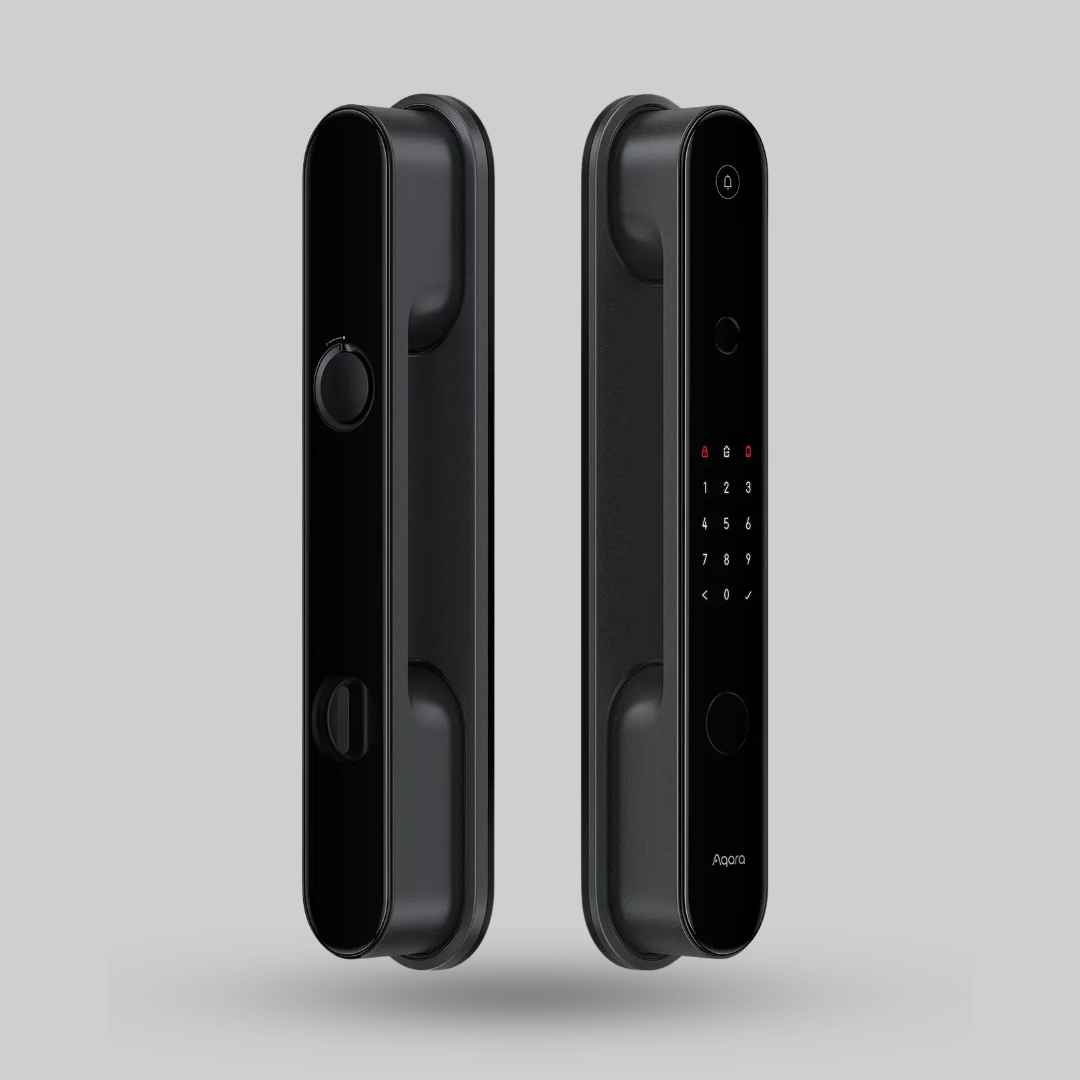
- Up to 12 months for the Aqara D100 on its rechargeable 2480mAh battery.
To turn “3,000 unlocks” into time: if your family unlocks the door 10 times a day, that is roughly 10 months. A busy entrance with many unlocks drains the battery faster, and a quiet apartment lasts longer.

Which batteries do smart locks use?
There is no single standard for a smart door lock battery. These are the main types you will meet, with examples from our range:
| Power type | Examples | What to know |
|---|---|---|
| 4 × AAA | Philips DDL615-5HBS, Philips DDL101-3HBS, Philips DDL608-5HWS, Lezn K1 | Small cells. Batteries are not included with these models. |
| 4 × AA | Levana K1i | Listed at about 3,000 unlocks, depending on usage. |
| 8 × AA | Aqara A100, EZVIZ Y2000, EZVIZ DL05 | EZVIZ lists AA alkaline batteries. The Y2000 is rated up to 365 days. |
| Built-in rechargeable lithium | Levana I19 Ai, Levana i7 Ai | 7.4V, 5000mAh, about 3,000 unlocks according to the listing. |
| Detachable rechargeable | Aqara D100 | 2480mAh Li-ion with USB-C charging, listed up to 12 months. |
Whichever you pick, read the battery line on the product page before you buy, because the type decides what you will keep at home as a spare.
Alkaline, lithium or rechargeable: which battery is best for a smart lock?
The honest answer is: use the type your lock’s manual asks for. A few rules help in every case:
- Alkaline is what most AA/AAA locks are designed around. The EZVIZ Y2000 and DL05 specify AA alkaline batteries.
- Replace the whole set together. Do not mix old and new cells, or different brands and types.
- Be careful with rechargeable AA/AAA cells. They give a lower voltage than alkaline (about 1.2V against 1.5V per cell), and some locks start warning early or behave differently. The Philips DDL615-5HBS, for example, shows its low-battery light below 4.8V on four cells. Check the manual before you try them.
- A smart lock lithium battery or detachable pack is made for one lock. Match capacity and terminal layout to your model, and do not guess.


The lithium pack comes in several capacities and terminal layouts to suit different lock models, so send us your lock model on WhatsApp before ordering one. More in lock accessories and spare parts.
How will I know the battery is running low?
Smart locks warn you before the battery is empty, so you should not get locked out without notice. Typical warnings:
- A notification in the app on models that connect to your phone, such as the EZVIZ Y2000 and DL05.
- A light or alarm on the lock. On the Philips DDL615-5HBS the “0” key lights red when battery voltage drops below 4.8V.
- A low-battery alarm on locks like the Philips DDL101-3HBS and Lezn K1.
When you see the warning, change the batteries the same day. Do not wait for “one more week.”
What happens when a smart lock battery dies?
This is the question that worries people most, and the answer is reassuring: a good smart lock has a backup for exactly this moment.
- USB-C emergency power. Plug a 5V power bank into the lock’s USB-C port. The lock wakes up and you unlock with your fingerprint or code as usual. The locks in this guide have a USB-C emergency port, for example the Philips DDL615-5HBS (5V power bank) and the Lezn K1 (5V/2A).
- The mechanical key. Many models include an emergency key, such as the Lezn K1, Levana K1i, Philips DDL101-3HBS and Aqara A100.
- Then change the batteries, or recharge the pack, before you close the door again.
Follow the manufacturer’s instructions for emergency power on your model. Browse locks with these backups in main door locks.
How to change a smart lock battery
The exact steps depend on the model, so keep the manual close. In general:
- Open the door and stay inside. The battery compartment is usually on the interior part of the lock, under a small cover.
- Remove the cover and take out the old cells or the old pack.
- Insert the new set together, matching the + and – marks, and use the same type for all cells.
- Close the cover and test: unlock and lock a few times with your fingerprint or code.
- Check the app. The low-battery warning should clear.
On a lock with a detachable rechargeable battery, like the Aqara D100 (listed with USB-C charging), follow the manual for removing and charging the battery.
How can I make a smart lock battery last longer?
- Choose the right lock for your use. A simple fingerprint lock lasts longer than a lock with a camera and a screen.
- Use good batteries and replace the full set together.
- Act on the first warning, not the last one.
- Keep a spare set and a power bank at home.
Which smart lock should I choose for the battery I want?
If battery type matters to you, pick by power system first:
AAA locks: compact and easy to find batteries for.


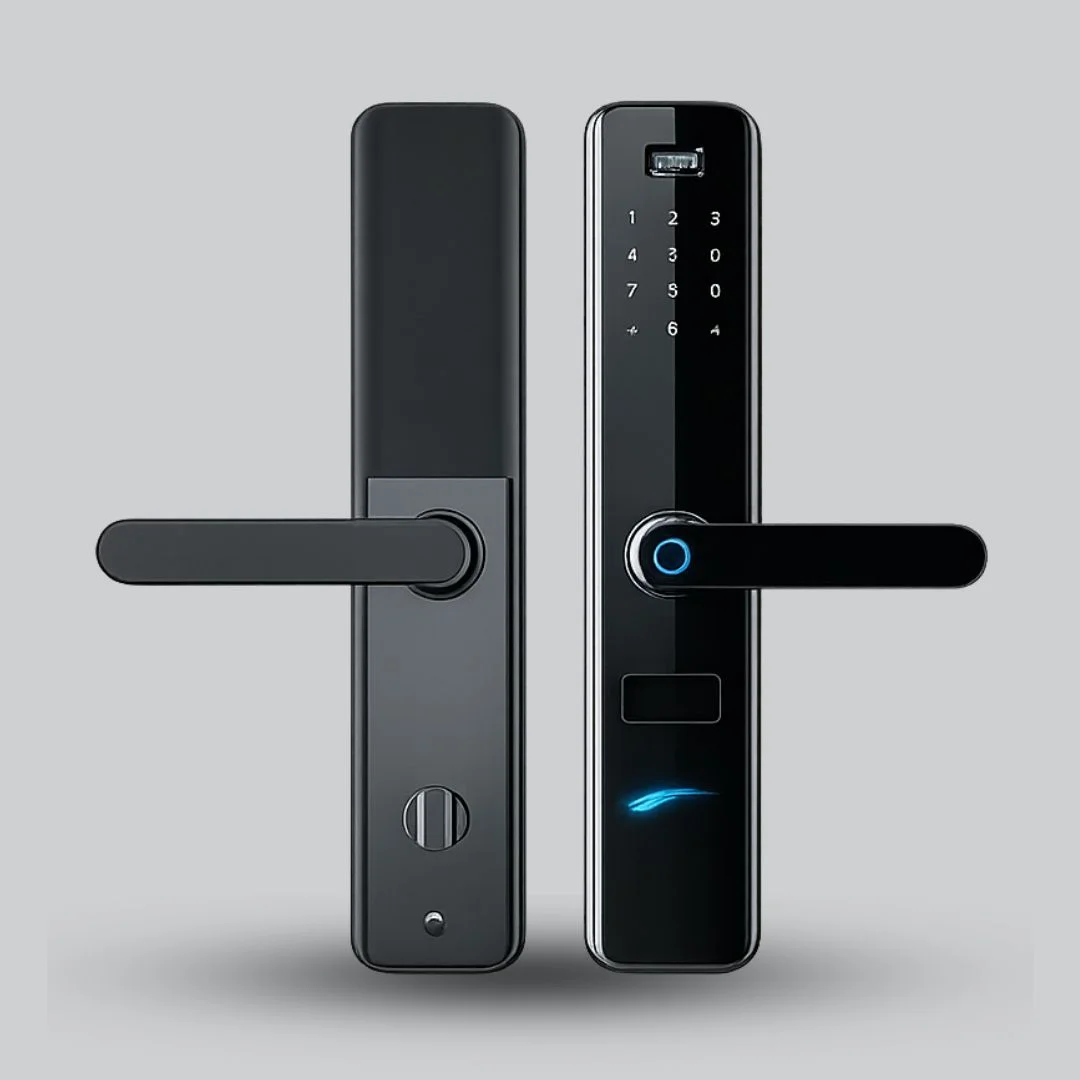

AA locks: more cells and a long listed life on some models.
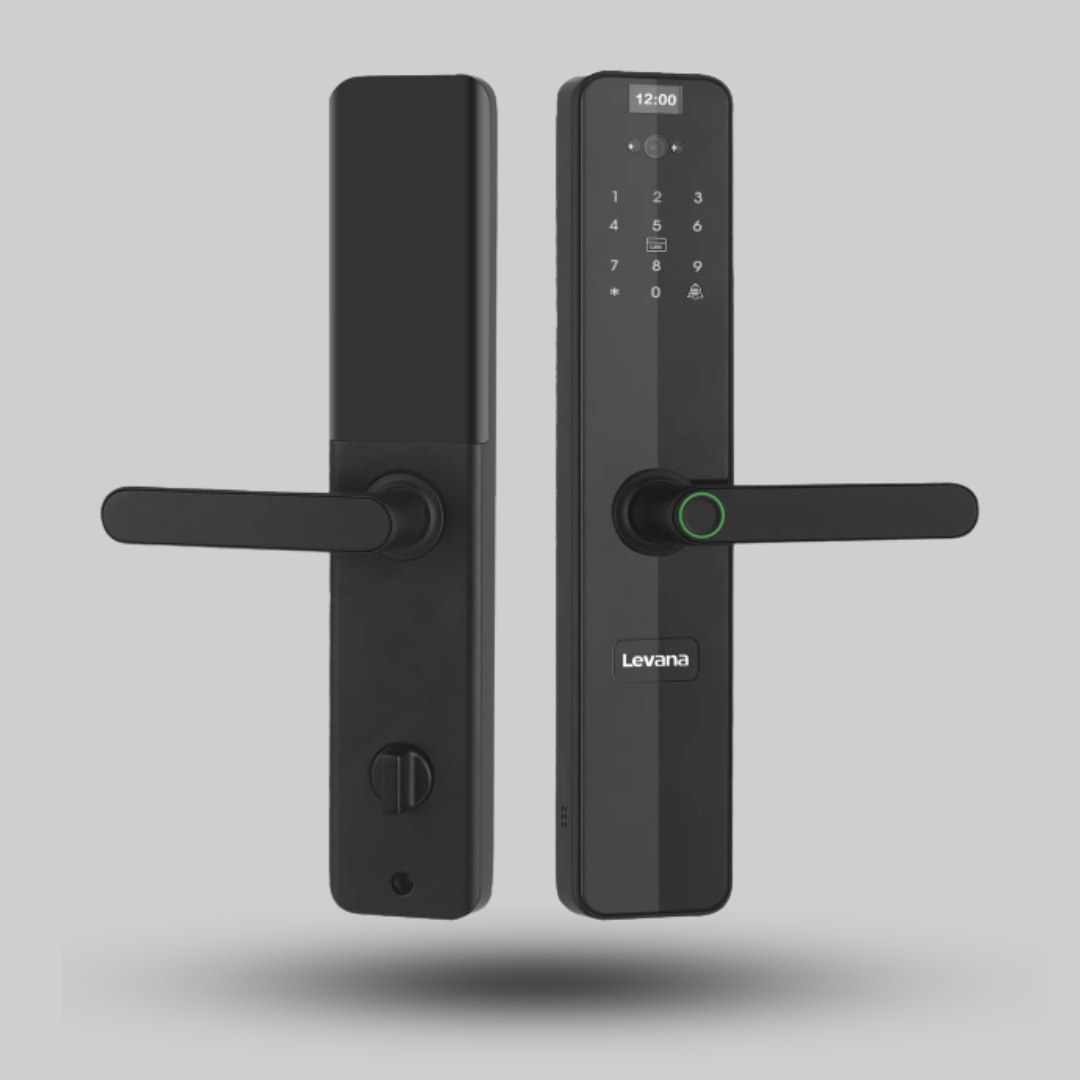


Rechargeable locks: no regular battery shopping.


Not sure which to pick? Our smart door lock guide compares unlocking methods, door types and security. You can browse everything in smart locks and access control.
Frequently asked questions about smart lock batteries
How long does a smart lock battery last?
From several months to about a year, depending on how often you unlock and which features are on. Manufacturers list figures such as about 3,000 unlocks or up to 365 days for specific models, always under specified conditions.
What batteries does a smart lock use?
It depends on the model: 4 AAA, 4 or 8 AA, a built-in rechargeable lithium battery, or a detachable rechargeable pack. Check the battery line on the product page.
What happens when a smart lock battery dies?
Smart locks warn you first. If the battery runs out, connect a 5V power bank to the USB-C emergency port, or use the mechanical key if your model has one, and then change the batteries.
Can I use rechargeable AA or AAA batteries in a smart lock?
Check the manual first. Rechargeable cells give about 1.2V against 1.5V for alkaline, so some locks warn early or behave differently.
Should I use alkaline or lithium batteries?
Use the type your lock’s manual specifies. For example, EZVIZ lists AA alkaline batteries for the Y2000 and DL05. Replace the whole set together.
How do I change a smart lock battery?
Open the cover on the interior part of the lock, replace all cells together with the correct polarity, close the cover and test the lock. A detachable rechargeable battery is charged as the manual describes.
How do I know the battery is low?
You get an app notification, a light, or an alarm on the lock, depending on the model. Change the batteries as soon as you see it.
Not sure which smart lock or battery fits your door?
Send us your door type and lock model on WhatsApp. We will suggest the right lock or the right spare battery.