


SwitchBot Universal Remote with Display and Physical Buttons
EGP5,520.00 Original price was: EGP5,520.00.EGP4,796.00Current price is: EGP4,796.00.
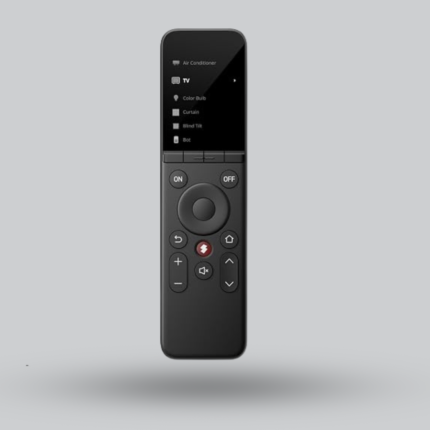
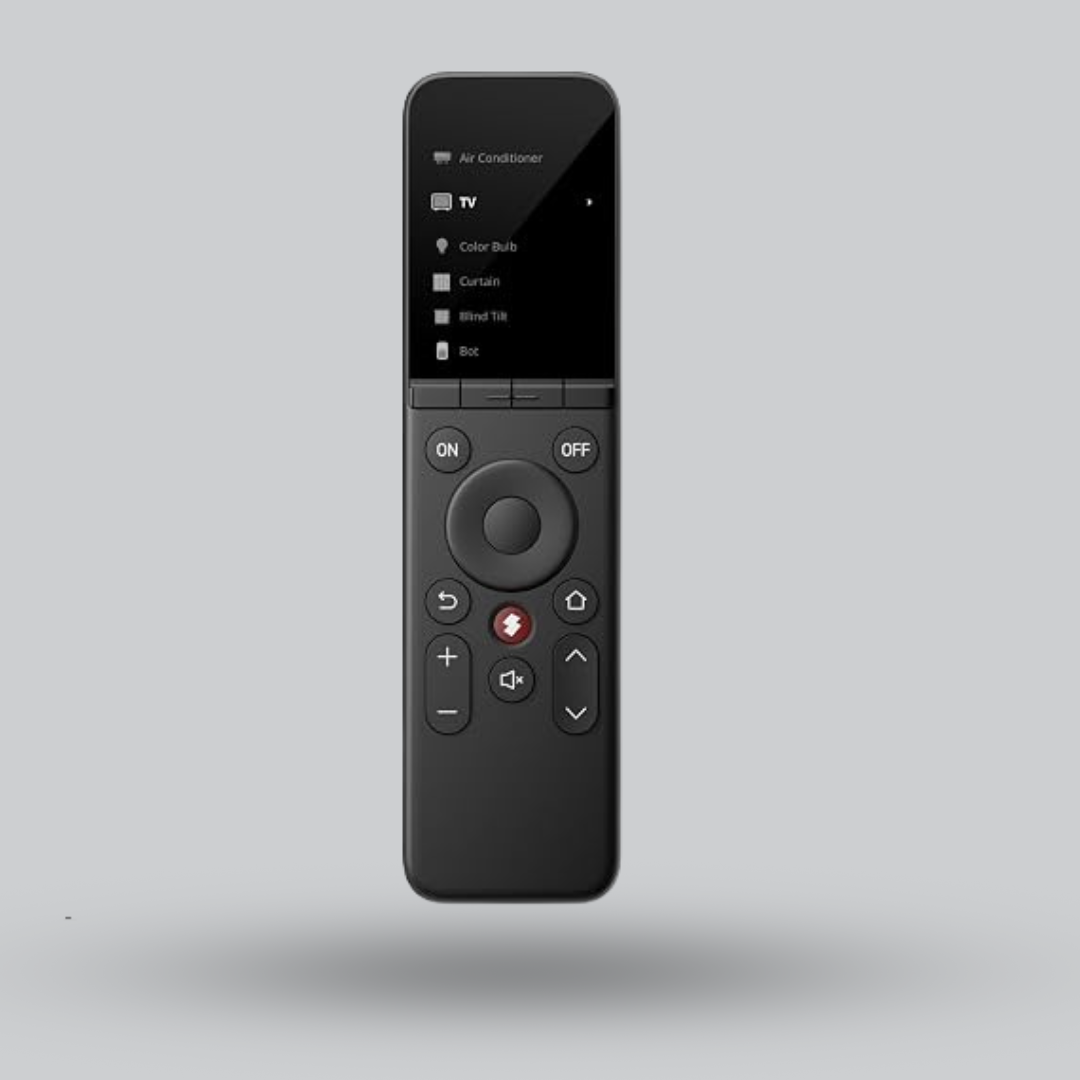
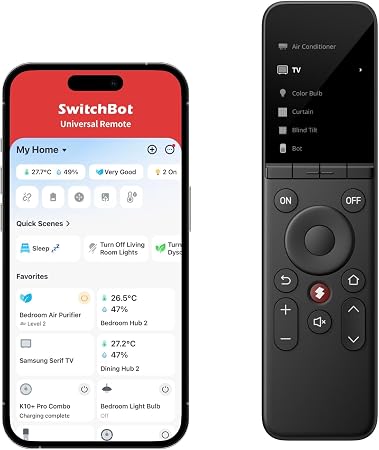
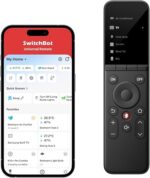
The SwitchBot Universal Remote is a universal remote with a 2.4-inch display and physical buttons that brings your TV, AC, and device remotes into one.
It controls devices over IR up to 10 m and Bluetooth up to 50 m, charges by USB-C, and supports one-tap scenes with a compatible hub.
1 in stock
Features & Design
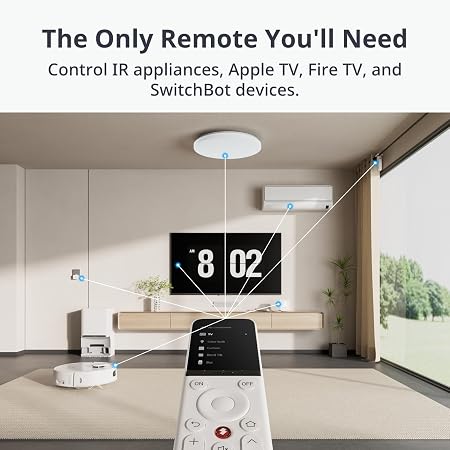
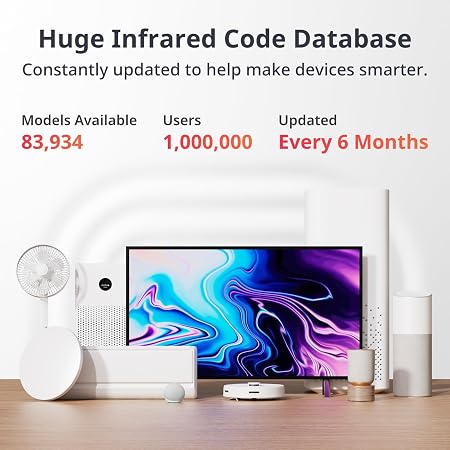
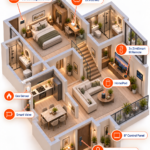
Controls air conditioners, TVs, lights, fans, projectors, DVD players and speakers over infrared, with a library of over 80,000 remote models.
Controls SwitchBot Bluetooth devices such as Bot, Curtain, Curtain 3, Blind Tilt and Plug Mini, plus Apple TV and Fire TV.
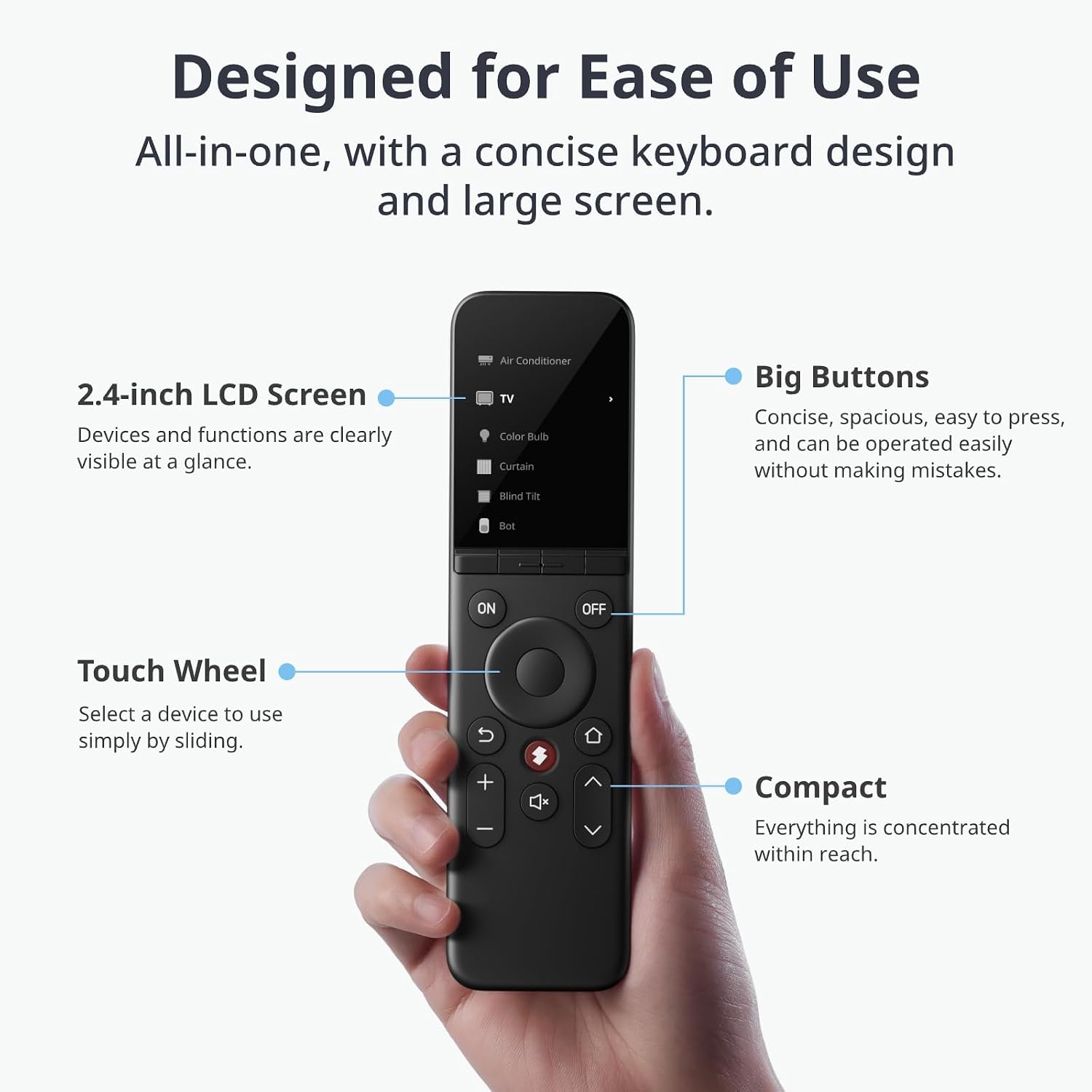
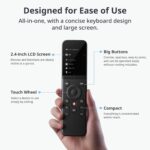
A 2.4-inch display with physical buttons and a Touch Wheel for navigation, plus four custom buttons below the screen that open the settings of any device.
Applications
- Living rooms with a TV, AC, and audio gear
- Bedrooms
- Offices and meeting rooms
- Any space with several devices on separate remotes
How does the smart universal remote work?
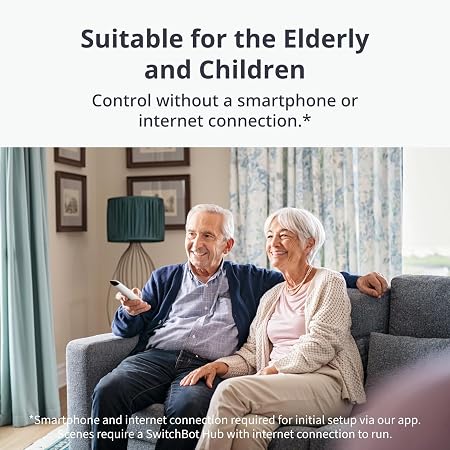
The remote sends infrared commands to conventional appliances and connects to SwitchBot devices and TV boxes over Bluetooth. After setup in the SwitchBot app, devices can be controlled even without an internet connection.
Add it to the app
Add the remote to the SwitchBot app, then add your appliances from the library of supported remote models.
Link your devices
The remote manages up to 25 devices: 10 IR remotes and 15 Bluetooth SwitchBot devices.
Scenes with a Hub
With SwitchBot Hub 2, Hub Mini or Hub Mini Matter Enabled, it can manage up to 10 SwitchBot scenes.
01Add it to the app
Add the remote to the SwitchBot app, then add your appliances from the library of supported remote models.
02Link your devices
The remote manages up to 25 devices: 10 IR remotes and 15 Bluetooth SwitchBot devices.
03Scenes with a Hub
With SwitchBot Hub 2, Hub Mini or Hub Mini Matter Enabled, it can manage up to 10 SwitchBot scenes.
Operating features
One-tap scenes
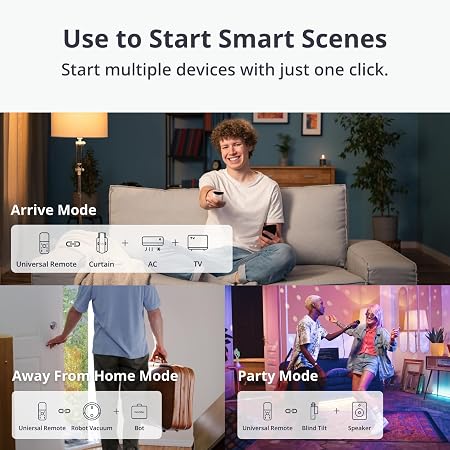
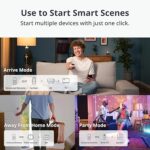
Run several devices at once with a scene such as Movie Mode, Arrive Mode, Away From Home Mode or Party Mode (Hub required).
Offline control
After setup, devices can be controlled without an internet connection, and Find My Remote helps you locate the remote at home.
Matter with Apple Home
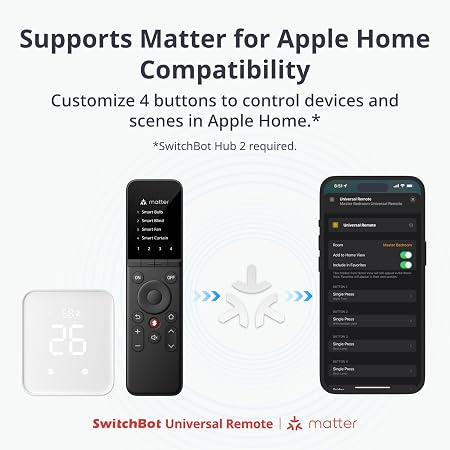
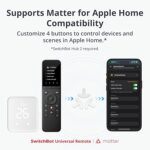
With Hub 2 or Hub Mini Matter Enabled, the remote buttons can control Matter devices through the Apple Home app only.
ImportantScenes and Matter need a SwitchBot Hub, sold separately. Matter works with Apple Home only, not Alexa or Google Home. Without a Hub, IR brand and model support is limited.
Specifications & Details
Technical specifications
Product
- Brand
- SwitchBot
- Product Type
- Universal remote control with display
- Display
- 2.4-inch, non-touch (with Touch Wheel)
- Material
- ABS + UV-resistant PC (V-0 fire retardant)
Connectivity
- Infrared
- 10 m range
- Bluetooth
- BLE 4.2 or above
- Bluetooth Range
- At most 50 m without obstacles
- Device Library
- Over 80,000 remote models
- RF Remotes
- Not supported
Product details
Power
- Battery
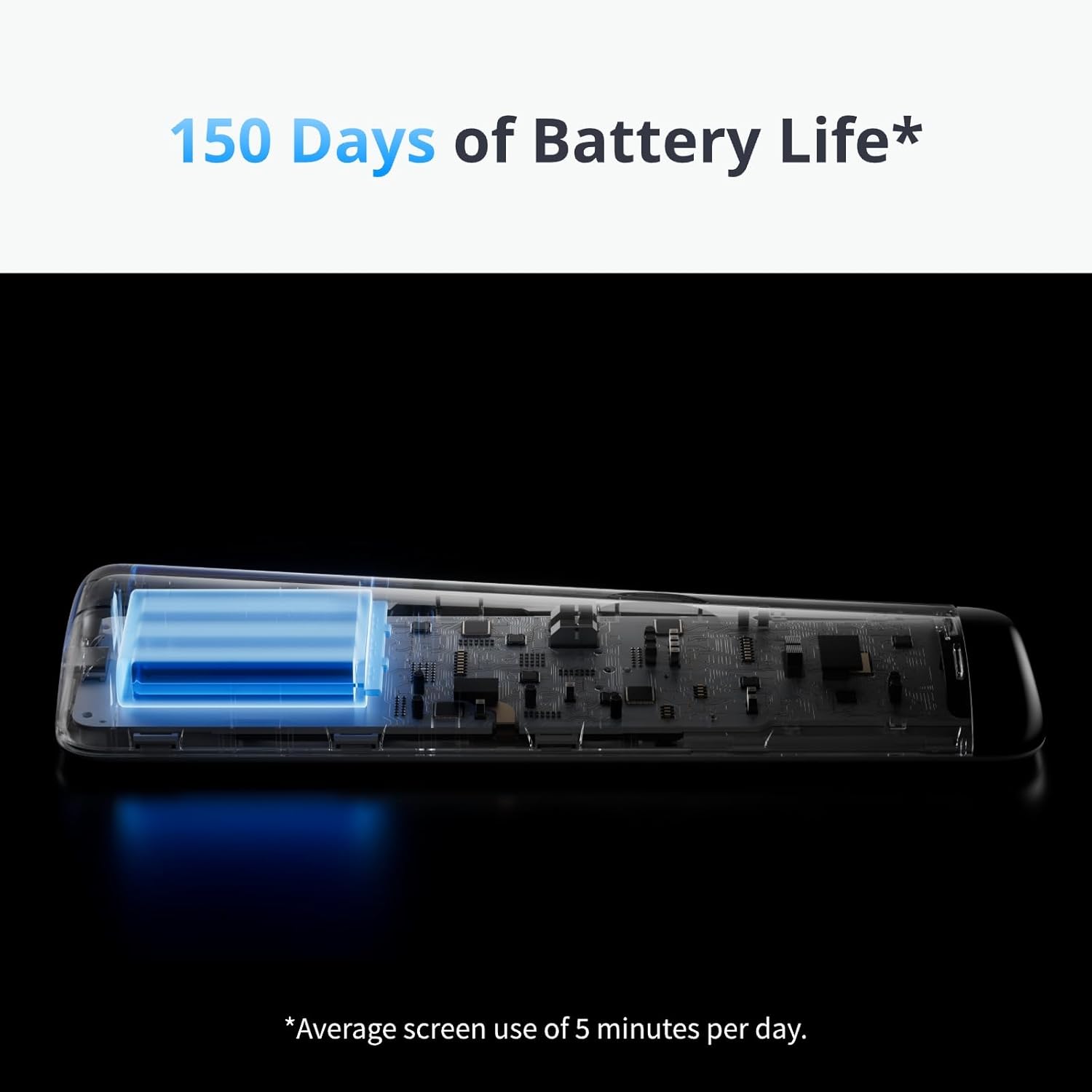
- Lithium-ion 3.7V / 2000mAh / 7.4 Wh
- Battery Duration
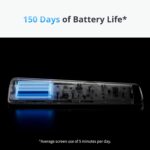
- About 5 months
- Charging
- USB Type-C (5V / 1A)
- Capacity
- Up to 25 devices and 10 scenes
Size and operation
- Dimensions
- 50 × 27 × 190 mm
- Weight
- 133 g
- Operating Temperature
- 0°C to 40°C
- Operating Humidity
- 0% to 90% RH
- Compatibility
- Android 5.0+, iOS 14.0+, watchOS 2.2 or later
Important technical noteThe device screen currently supports English only, per SwitchBot. The infrared signal can reach up to 13.5 m when pointed directly at the appliance; the range is shorter at an angle.
Installation tips
- Get the app
Install the SwitchBot app on a phone running Android 5.0 or iOS 14.0 or later.
- Power on and pair
Press ON for 3 seconds to start the remote, then press ON and OFF together for 2 seconds to enter pairing mode and add it in the app.
- Add devices
Add IR appliances, SwitchBot devices and Apple TV or Fire TV, and check your devices for compatibility in the app.
- Charging
Charge the remote over USB Type-C. The battery level shows on the screen while charging or when it drops below 20%.
01Get the app
Install the SwitchBot app on a phone running Android 5.0 or iOS 14.0 or later.
02Power on and pair
Press ON for 3 seconds to start the remote, then press ON and OFF together for 2 seconds to enter pairing mode and add it in the app.
03Add devices
Add IR appliances, SwitchBot devices and Apple TV or Fire TV, and check your devices for compatibility in the app.
04Charging
Charge the remote over USB Type-C. The battery level shows on the screen while charging or when it drops below 20%.
Frequently Asked Questions
Does the remote need a Hub?
It works without a Hub with a limited range of IR devices, but scenes and Matter need a SwitchBot Hub, and a Hub expands the supported devices.
Does it work with Alexa or Google Home?
No. Matter support is available with the Apple Home app only, through Hub 2 or Hub Mini Matter Enabled.
Is the screen a touchscreen?
No, the screen is not touch-operated, but you can enable the Touch Wheel to select devices and scenes by moving your finger on it.
Related products
Amazon Alexa Echo Dot 4th Gen Smart Speaker
Amazon Echo Spot (2024) Smart Alarm Clock with Alexa

Reviews
There are no reviews yet.