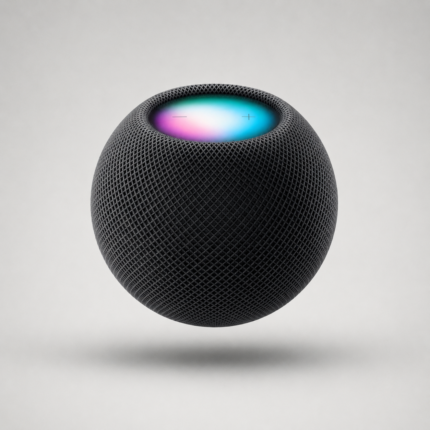
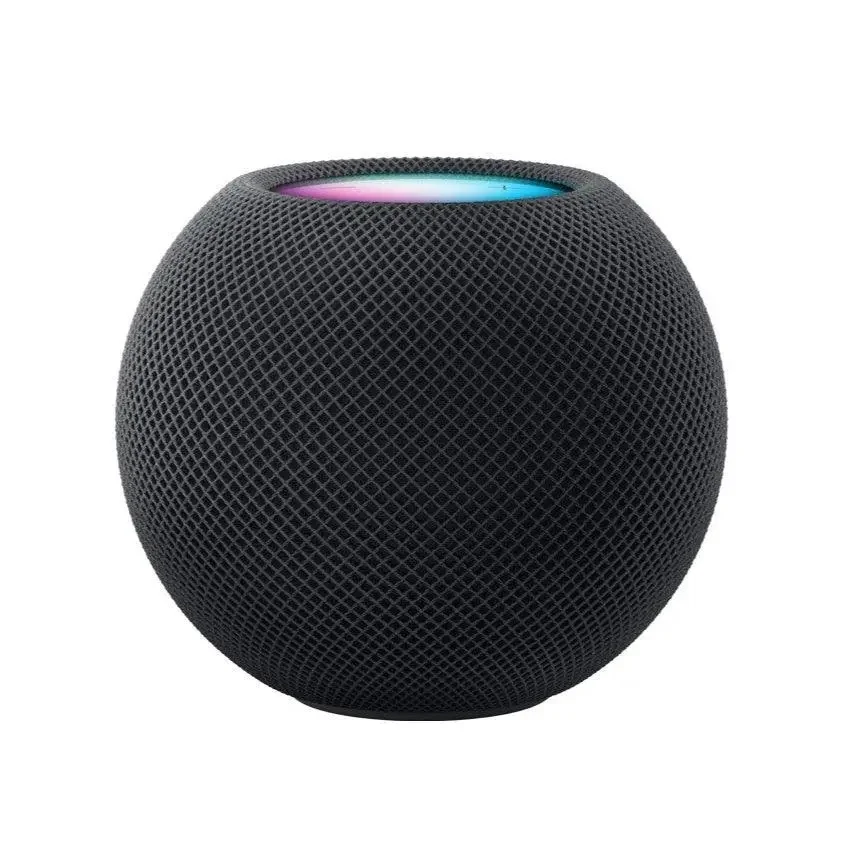
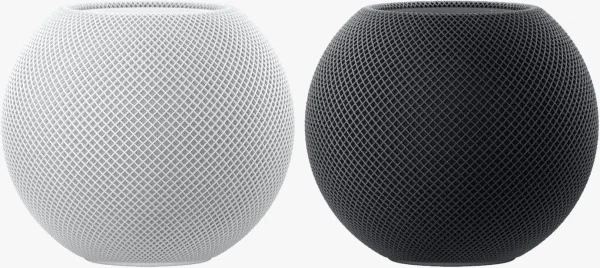
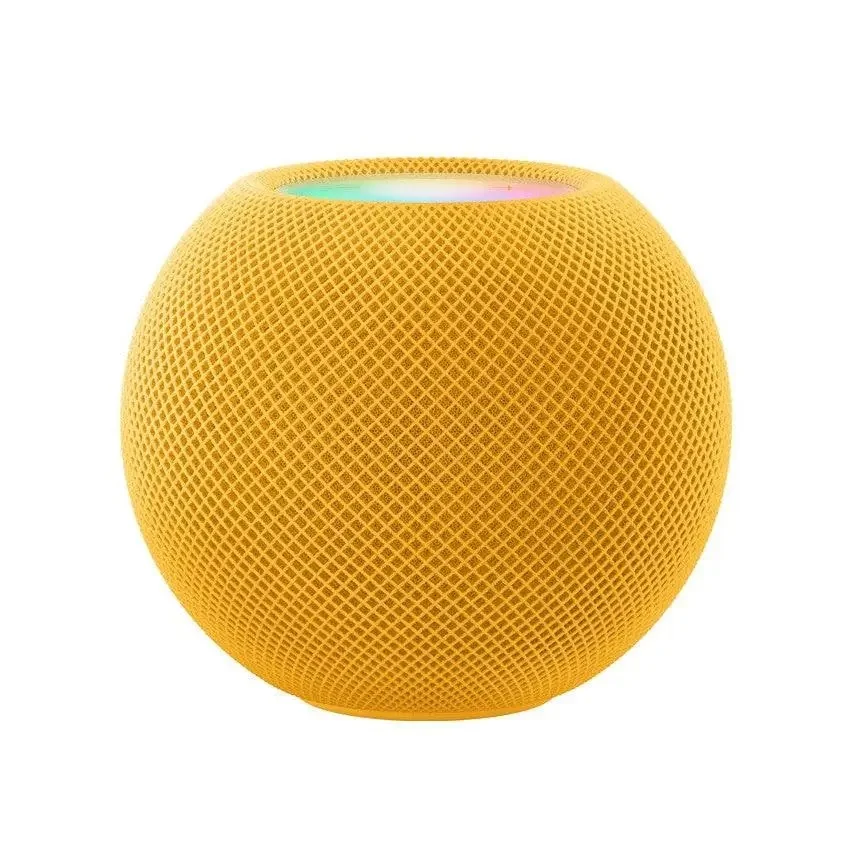
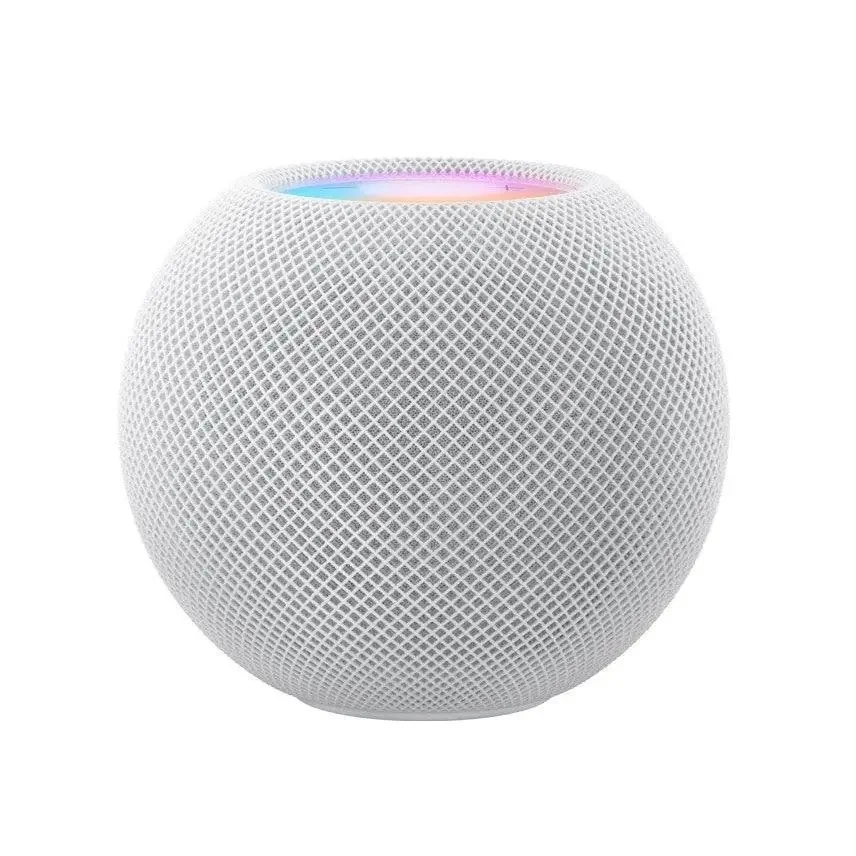
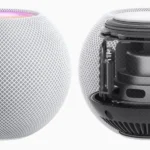
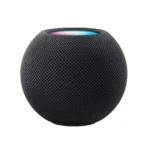
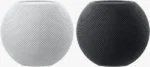
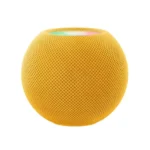
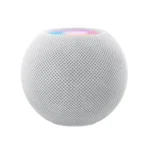
Apple HomePod mini – Smart Speaker with Siri and 360° Audio
EGP15,040.00 Original price was: EGP15,040.00.EGP13,920.00Current price is: EGP13,920.00.
The Apple HomePod mini delivers rich 360° immersive audio, built-in Siri, and seamless HomeKit and Matter smart home control in a compact, elegant design that integrates perfectly with the Apple ecosystem.
Features & Design
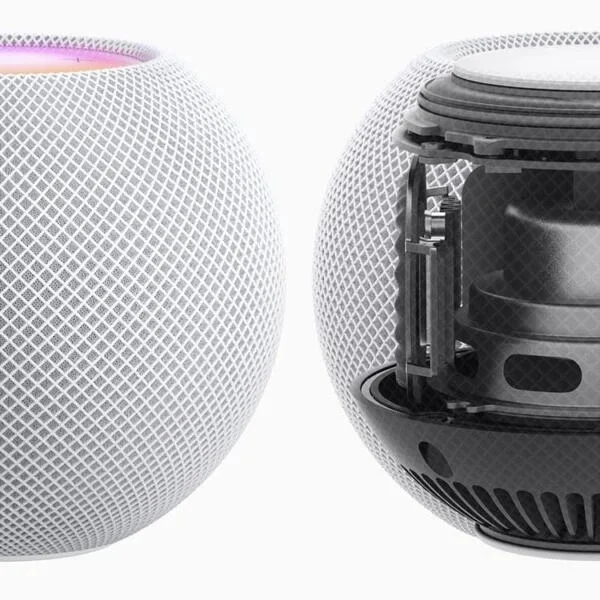
Sound designed to fill the room evenly, with rich bass and crisp high-frequency detail from a full-range driver, dual passive radiators and a custom acoustic waveguide for a 360° sound field.
Use Siri for convenient voice commands and control smart devices with your voice, in a speaker designed with a strong focus on privacy.
Acts as a home hub for HomeKit and Matter accessories such as lights, thermostats and window shades, so you can control them at home and away from home.
Applications
- Bedrooms
- Living rooms
- Offices
- Music, podcasts and everyday listening
How does the smart speaker work?
During setup you add the speaker to the Home app with an iPhone or iPad. After that you control it with your voice through Siri or with the touch controls on its top.
Prepare your iPhone or iPad
Check that it is on the Wi-Fi network you plan to use for the speaker, that Bluetooth is on and that your Apple Account is shown in Settings, then install any available software updates.
Connect the speaker to power
Choose a spot with Wi-Fi coverage and power, plug the speaker in and wait for a slowly pulsing white light on top, which means it is ready for setup.
Finish setup
Hold your unlocked iPhone or iPad near the speaker until the setup screen appears, tap Set Up and follow the onscreen instructions.
01Prepare your iPhone or iPad
Check that it is on the Wi-Fi network you plan to use for the speaker, that Bluetooth is on and that your Apple Account is shown in Settings, then install any available software updates.
02Connect the speaker to power
Choose a spot with Wi-Fi coverage and power, plug the speaker in and wait for a slowly pulsing white light on top, which means it is ready for setup.
03Finish setup
Hold your unlocked iPhone or iPad near the speaker until the setup screen appears, tap Set Up and follow the onscreen instructions.
Operating features
Touch controls
Tap the top to pause or resume, double-tap for the next track, triple-tap for the previous one, use the + and – buttons for volume, and touch and hold to activate Siri.
Intercom
Send voice messages to the HomePod speakers in your home and to the iPhone, iPad and Apple Watch devices of home members, or to specific rooms.
Apple Music and AirPlay
Play audio with Apple Music, AirPlay and other Apple media features. Apple Music requires a subscription.
ImportantThe requests and automations that work depend on the accessories in the Home app. You can also ask Siri about the temperature and humidity in the room where the speaker is located.
Specifications & Details
Technical specifications
Product
- Brand
- Apple
- Product Name
- HomePod mini
- Product Type
- Smart Speaker
- Voice Assistant
- Siri
Audio
- Audio
- 360° Immersive Audio
- Drivers
- Full-range driver and dual passive radiators
- Waveguide
- Custom acoustic waveguide for a 360° sound field
- Multiroom Audio
- With AirPlay
- Stereo Pair
- Supported with two speakers of the same model and generation
Product details
Smart home and integration
- Smart Home Support
- HomeKit / Matter
- Integration
- iPhone / iPad / Mac / Apple TV
- Extra Features
- Intercom / AirPlay / Apple Music Support
- Sensors
- Temperature and humidity
Size and power
- Height
- 84.3 mm
- Width
- 97.9 mm
- Power Adapter
- 20W (9V / 2.22 A)
- Adapter Line Voltage
- 100V to 240V – 50Hz to 60Hz
- Operating Temperature
- 0° to 35° C
Important technical noteFor indoor use only. Operating relative humidity is 5% to 90% noncondensing. The speaker supports Thread networking and has no on/off switch: unplug the power adapter to disconnect it from power.
Installation tips
- Choose the location
The speaker can sit almost anywhere in your home, such as a kitchen counter or a bedside table, in a spot with access to your Wi-Fi network and power.
- Keep away from water and heat
Do not use it near water or other sources of liquid, or near heat sources such as radiators and stoves, and do not block its ventilation openings.
- Use a 20 W adapter
Insert the cable fully into the power adapter before plugging it into the outlet. A flashing orange light means the adapter is not rated 20 W (9 V / 2.22 A).
- Ventilation and cleaning
Keep the speaker and its power adapter in a well-ventilated area when in use, and clean it gently with a dry cloth only.
01Choose the location
The speaker can sit almost anywhere in your home, such as a kitchen counter or a bedside table, in a spot with access to your Wi-Fi network and power.
02Keep away from water and heat
Do not use it near water or other sources of liquid, or near heat sources such as radiators and stoves, and do not block its ventilation openings.
03Use a 20 W adapter
Insert the cable fully into the power adapter before plugging it into the outlet. A flashing orange light means the adapter is not rated 20 W (9 V / 2.22 A).
04Ventilation and cleaning
Keep the speaker and its power adapter in a well-ventilated area when in use, and clean it gently with a dry cloth only.
Frequently Asked Questions
Does it work as a smart home hub?
Yes. It controls compatible Apple HomeKit and Matter accessories, and you can run automations based on the time of day, your location or the action of another accessory such as a sensor.
Do I need an iPhone or iPad to set it up?
Yes. During setup you use your iPhone or iPad to add the speaker to the Home app and set up Siri.
Which devices does it work with?
It works smoothly with iPhone, iPad, Mac and Apple TV across entertainment, voice control and smart home functions.
Related products
Amazon Echo Show 11 with Adjustable Stand (2025 Edition)
AVATTO Tuya Zigbee 3.0 Wired Gateway Hub – Wired Smart Home Gateway
EGP3,850.00MOES Tuya ZigBee WiFi Smart IR Remote Control
Reviews
There are no reviews yet.