

Smart Home Systems in Egypt — Control, Security and Comfort in One System
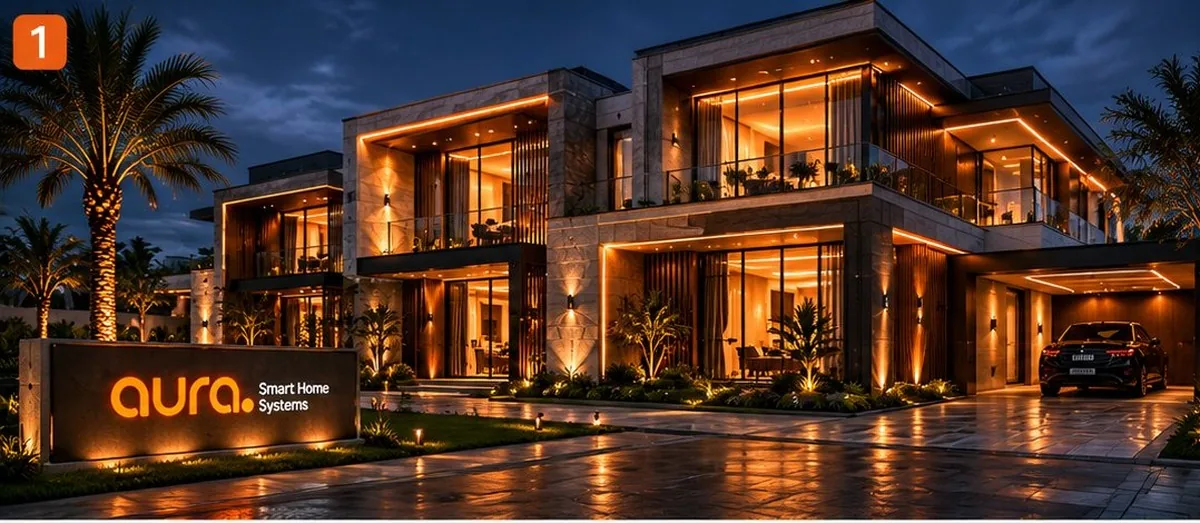
Aura delivers smart home solutions in Egypt for apartments and villas, bringing lighting, climate, curtains, security and smart locks together with professional design, installation and programming around your property and priorities.
What does Smart Home mean?
A smart home connects lighting, climate, curtains, security, locks and devices into one coordinated system, so you can control them manually or automate them around time, motion, occupancy and the scenes you choose.
Connects devices using its supported protocol and coordinates the system. Some projects need more than one hub when multiple protocols are used.
Lighting, sensors, locks, curtains, climate, controllers, cameras and more — selected around the actual needs of the property.
From switches, apps, panels, voice or scenes — depending on the system and compatibility.
The real value appears when multiple parts of the home work together automatically instead of requiring separate manual commands.
Is your property finished or under construction?
The status of your property determines the right architecture before choosing any device.
Already finished
Practical retrofit solutions for finished apartments and villas, typically with minimal changes depending on the existing electrical setup and devices, with room to expand over time.
Explore Smart Home solutions →Under construction or fit-out
For projects that need an integrated engineering approach from drawings and infrastructure through programming and commissioning, with an architecture designed for scale.
Explore Professional Solutions →Wi-Fi, Zigbee or Matter? Tap to see a quick comparison and the difference between each option
Direct and widely available, but more dependent on network quality and the number of connected devices.
Usually works through a hub and forms a mesh network that suits many sensors and low-power devices.
An interoperability standard for supported devices; real capabilities depend on the model, firmware and underlying network architecture.
You don’t need to automate everything at once.
Start with the problem you want to solve, then expand on a compatible system architecture.
Smart lock + sensors + camera or video doorbell around the main entry point.
Lighting + climate + device control to remove the repeated actions you do every day.
Curtains + scenes + voice + connected systems working together as one experience.
Choose the solution that matches your priority.
Lighting that adapts to your routine and scenes — controlled locally or remotely depending on the system and connectivity.
Start with smart switches, dimmers or control modules that suit the electrical setup, then connect them to scenes and sensors as needed.
- On/off control and schedules
- Lighting scenes and automations
- App and voice control where compatible
- Expand room by room
Bring remote-controlled devices into the Smart Home.
Compatible IR / RF controllers can bring air conditioners, TVs and other remote-controlled devices into the system. Compatibility must be checked before installation.
- Scheduling and scene control
- Bring remote devices into the app
- IR requires a suitable line of sight
- True device status may not be available on one-way control devices
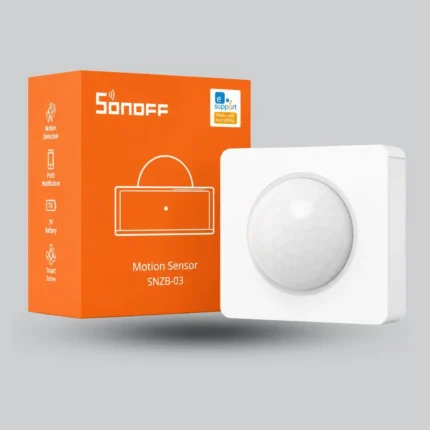
Smart alerts for important events — when they matter.
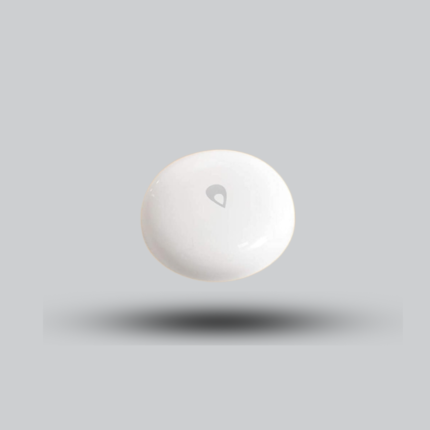
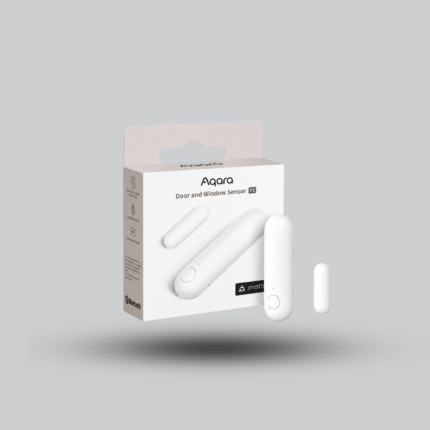
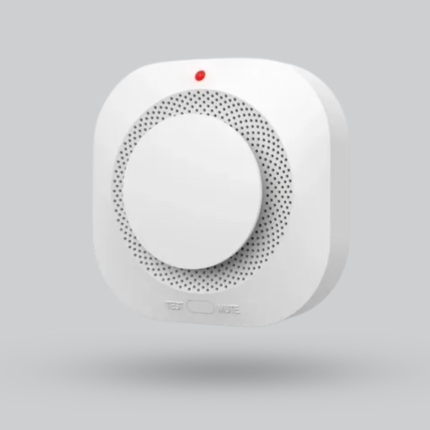
Motion, door/window, water-leak, smoke and gas sensors can add an intelligent layer of monitoring and alerts depending on the device and system.
- Alerts based on sensor type
- Trigger scenes from events
- Link security events to lighting or notifications
- Consumer smart smoke/gas sensors do not replace certified fire-alarm systems
Make the main door part of the system, not an isolated gadget.
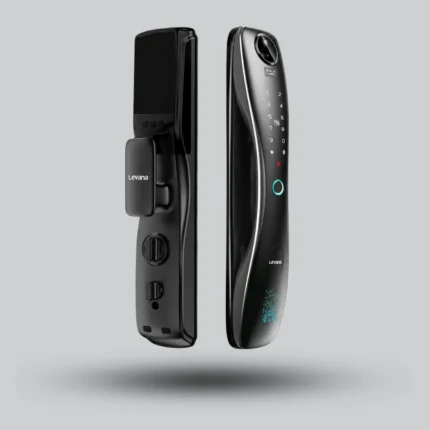
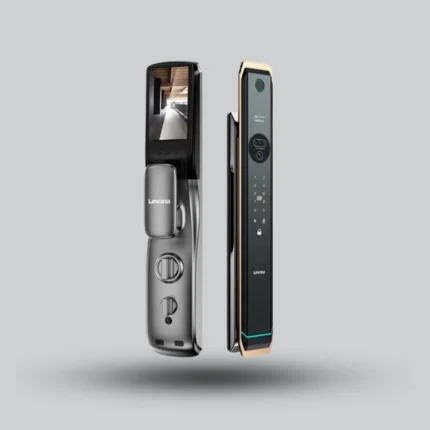
Lock selection depends on the door type, thickness, opening direction and required access methods. The products shown here are selected main-door examples covering different levels of security and smart-home integration.
- Fingerprint / PIN / card / app depending on model
- User management and access logs on supported models
- Door compatibility check before installation
- Battery powered, with backup access methods varying by model
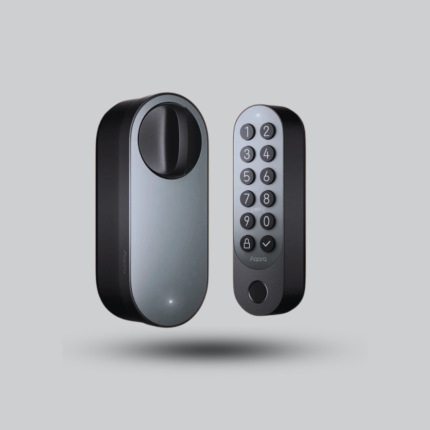
Aqara Smart Lock U200 – Matter & Apple Home Key
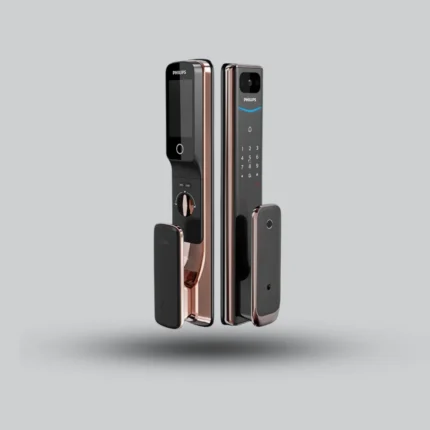
Philips Alpha-VP-5HWS Smart video Door Lock: Your Smart Home Security
Bring natural light into your automations.
Control curtains or shutters from the app, switch or scenes, with the motor and track selected around size, weight and installation conditions.
- Open/close control and schedules
- Connect curtains to morning and night scenes
- Voice control on compatible devices
- Motor selection based on curtain weight and track
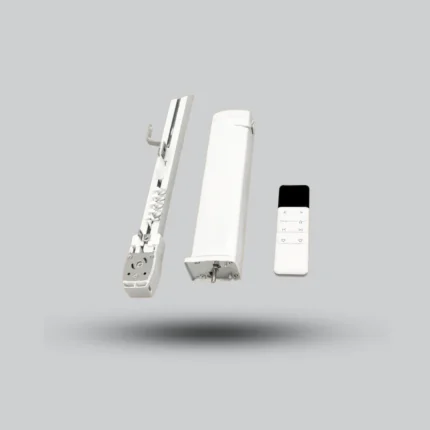
Smart Curtain Motor with Electric Curtain Track – WiFi + Zigbee
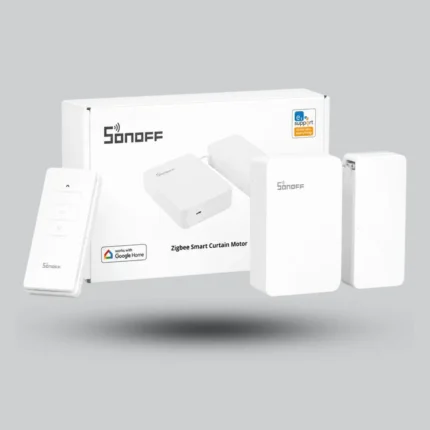
SONOFF Wifi Curtain Smart Motor
Monitor entrances and key areas clearly — locally or remotely depending on the system.
Indoor and outdoor cameras plus video doorbells can cover entrances and key areas, with coverage and storage selected around the property.
- Indoor and outdoor cameras based on use case
- Video doorbells and calling on supported models
- Storage and coverage designed around the site
- Some cloud recording features require a subscription depending on brand
The real value is in the scenes — control is only the interface.
Instead of controlling each device separately, one scene can coordinate several functions at once — with the control method chosen around the system and compatible devices.
Turn off selected lights, adjust climate, close curtains and activate the appropriate security functions.
Prepare entry lighting, temperature and selected devices when you return.
Dim lighting, close curtains and apply night settings for rooms and security.
Dim the lights, close the curtains and start compatible entertainment devices in one scene.
Daily control remains simple through the app and suitable physical controls, so the home does not depend on a phone alone.
Voice commands and routines for compatible devices and systems.
Siri and Apple Home integration on compatible devices, with Matter support varying by model, firmware and network architecture.
From one room to a complete villa.
A good package solves your current priorities while leaving room to expand. Send us the room count and priorities on WhatsApp and we will come back with an initial concept and indicative cost.
A focused start for one room: lighting, control and simple automation around your needs.
Request a Smart Room concept →A balanced apartment solution covering comfort, security and control with room to grow.
Explore Smart Apartment packages →A broader design for entrances, lighting, climate, curtains, security and scenes across larger spaces.
Explore Smart Villa packages →A system designed around your floor plan, budget and priorities rather than a fixed package.
Request a custom concept →Four-storey villa — New Cairo.
An integrated Smart Home project combining lighting, curtains, locks, cameras, voice control and app access in one experience.
From consultation to handover and support.
Choosing devices is only one part. The result depends on understanding the need, compatibility, installation and correct programming.
We understand the property, priorities and budget, then define the right system architecture.
We select compatible products and complete professional installation and integration.
We program scenes, test the system, explain how to use it and continue supporting you after handover.
See Smart Home through Aura projects.
Explore Aura projects and implementation work to build a clearer picture of the end result before selecting the right system.
Smart Home FAQs — what to know before you start.
The exact answer depends on the property, devices and existing infrastructure, which is why a technical consultation matters before buying many components.
Does Smart Home require demolition or major changes?
Not always. Wireless / retrofit solutions can often be installed in finished homes with minimal changes, while professional wired systems such as KNX are best planned during construction or fit-out.
Do I need to automate the whole home at once?
No. You can start with the highest-priority areas such as lighting, security or climate control, then expand gradually as long as the system architecture is planned for compatibility from the start.
Is the system controlled only from a phone?
No. Depending on the system, control can remain available from physical or smart switches, the app, central panels, voice assistants and automated scenes.
Are all Smart Home devices compatible with each other?
No. Compatibility depends on the protocol, hub, platform, device model and firmware version. Compatibility should be checked before buying devices or designing automations.
Wireless or Wired: which is better?
There is no single system that is best for every project. Wireless works very well for many existing homes and flexible upgrades, while Wired / KNX suits projects that need a more integrated engineering architecture, reliability and scale.
What happens if the internet goes down?
It depends on the system. Local automations in systems such as Zigbee or KNX may continue inside the home, while cloud functions and remote access may pause until the internet connection returns.
How do I estimate the Smart Home cost for my property?
Cost depends on the number of rooms, lighting circuits, climate systems, curtains, security requirements, protocol and automation level. Share your property details and priorities for a suitable recommendation.
You do not need to know device names. Tell us what you want your home to do.
Send us the property type, whether it is finished or under construction, the number of rooms and your top three priorities — and we will start from there.