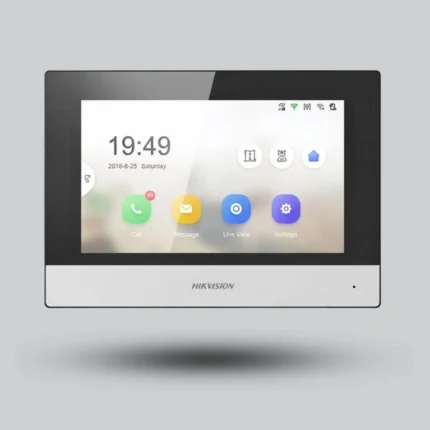
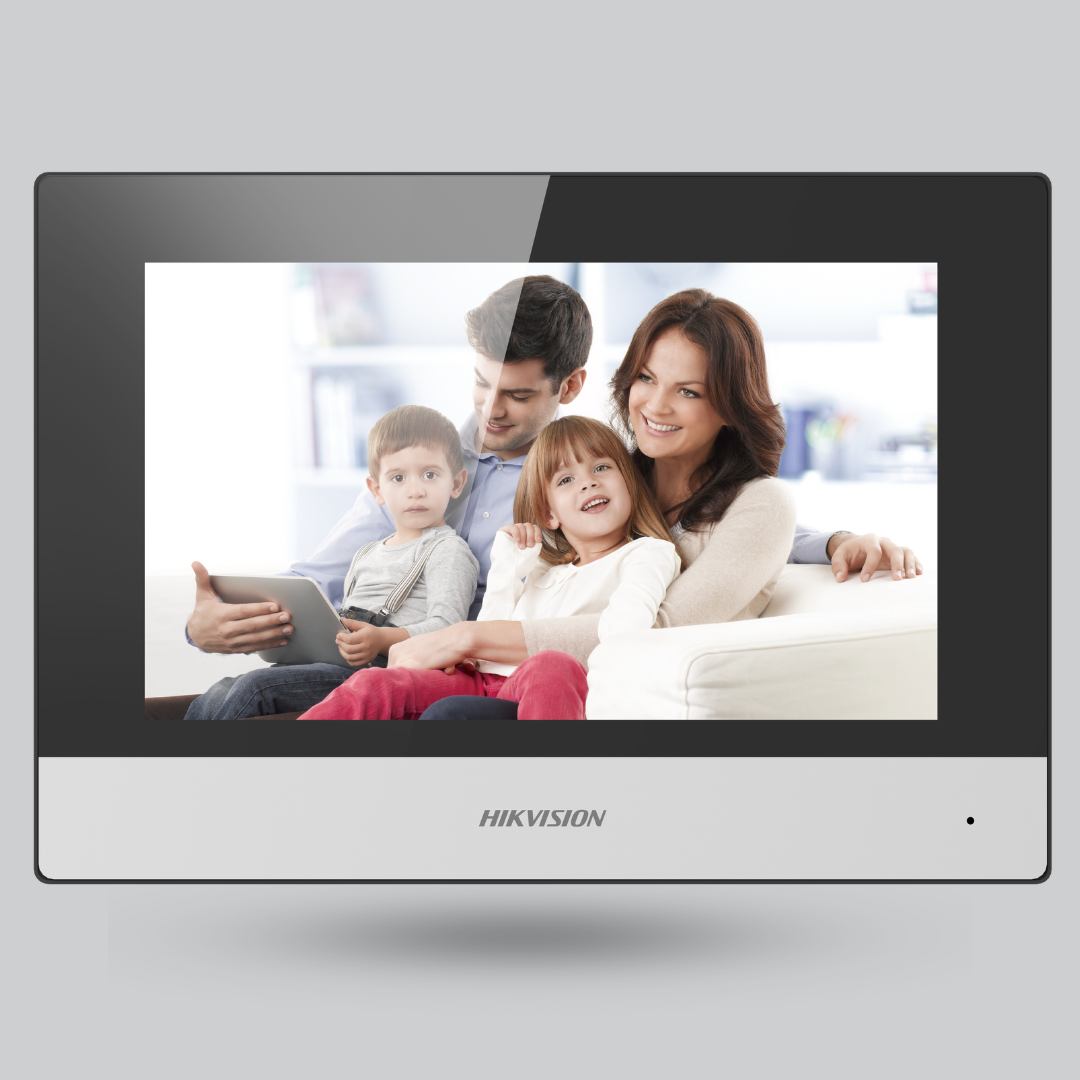
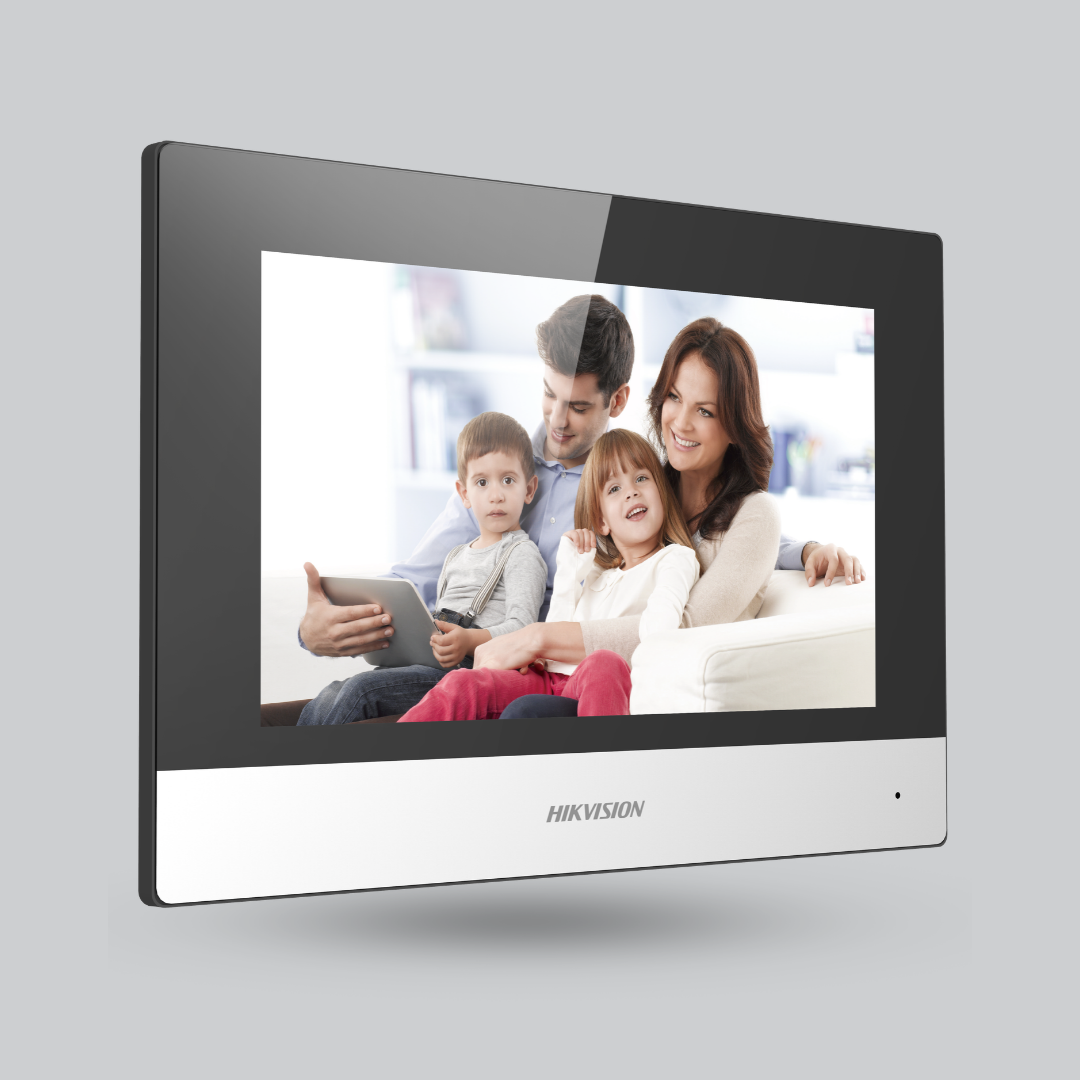
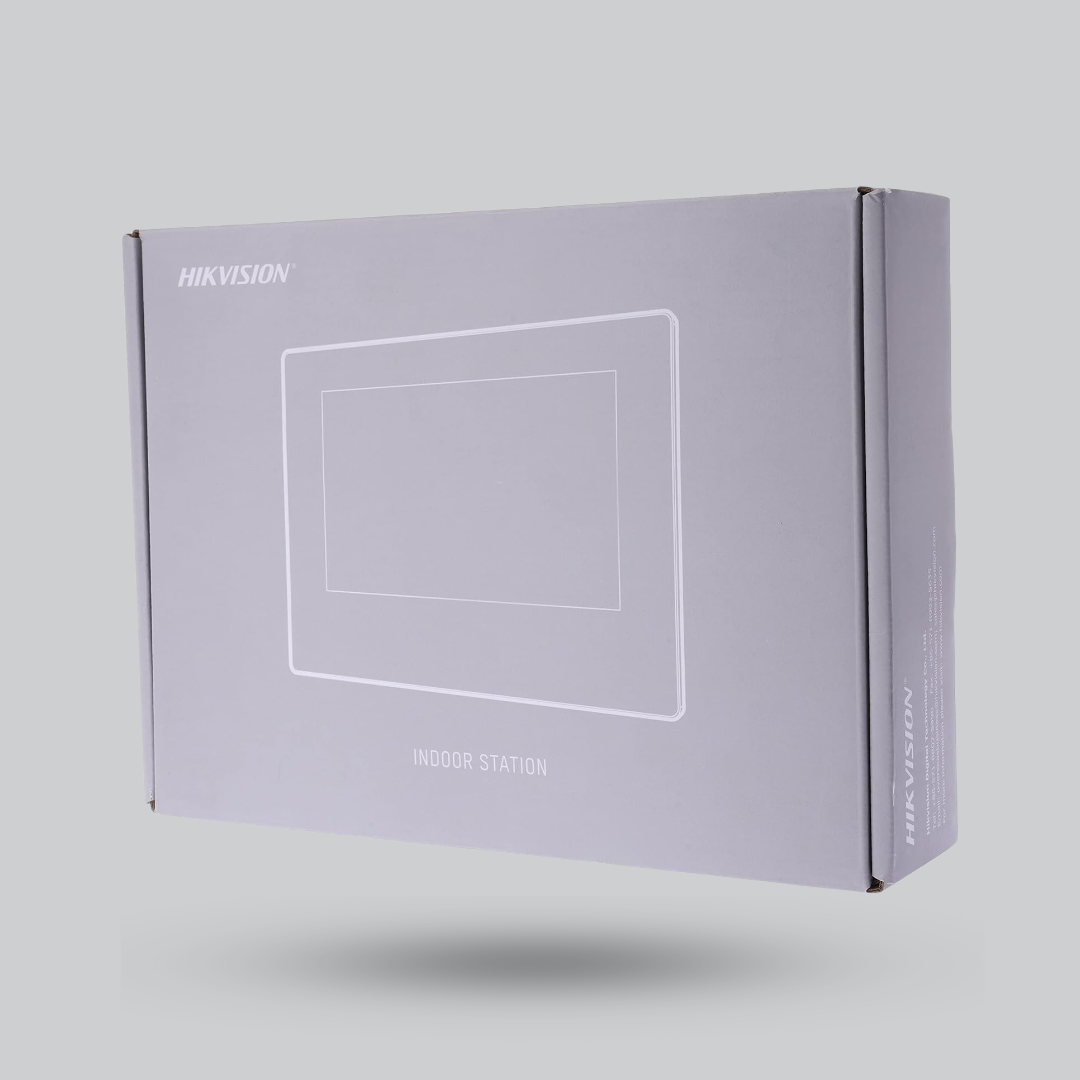
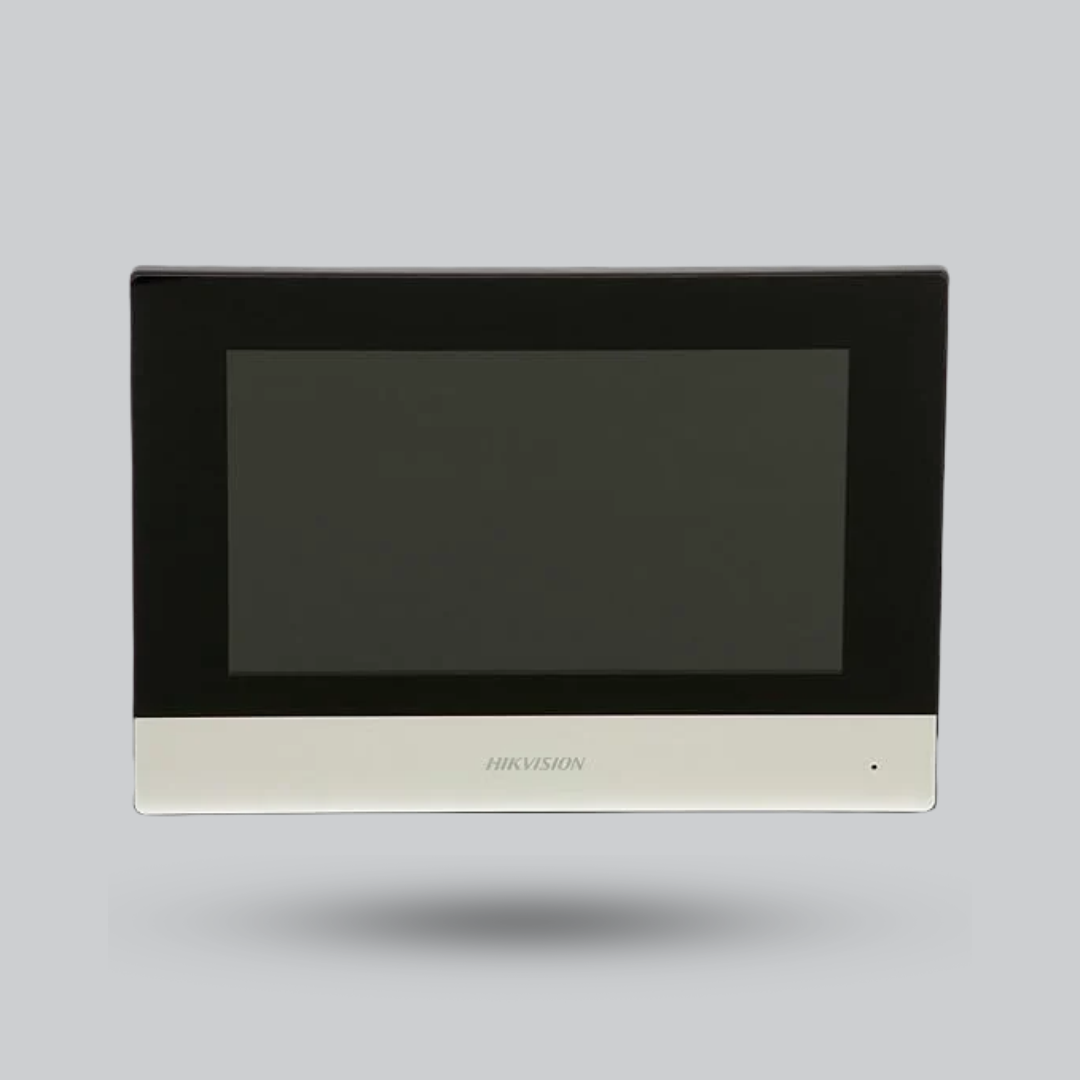
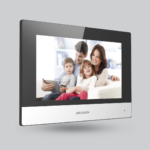
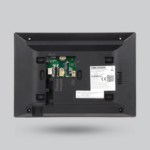
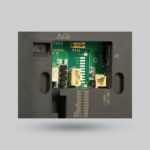
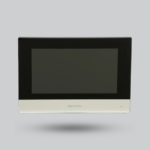
Hikvision DS-KH6320-TE1 IP Indoor Video Intercom 7-Inch Touch Screen

Product Manual

  • Download PDF
    Aura_Hikvision_DS-KH6320-TE1_Datasheet

7-inch smart indoor IP intercom from Hikvision with full control over doors, cameras, and remote communication via mobile app or touchscreen.

Warranty 1 Year
Description
7inchTFT touch screen
1024×600Screen resolution
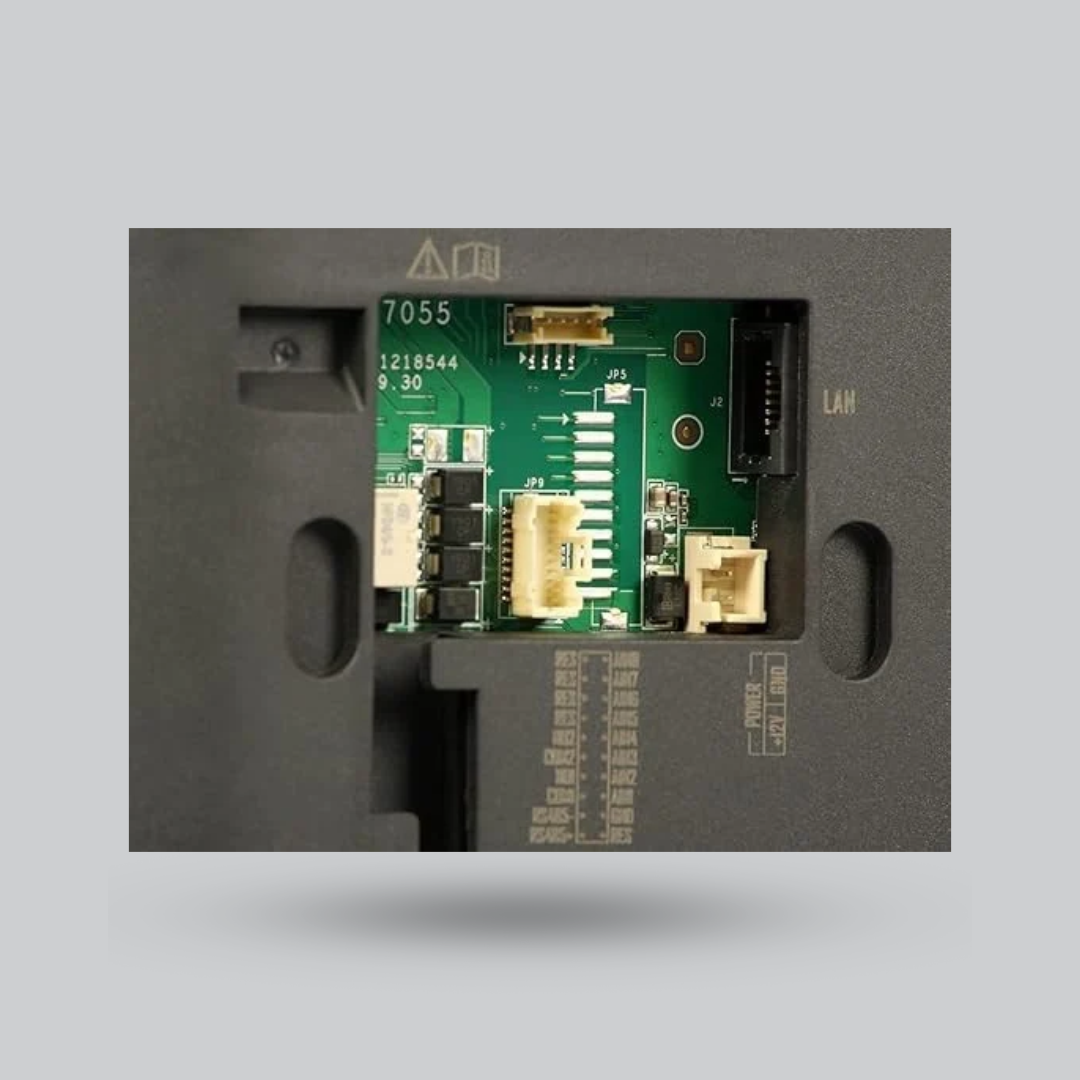
8Alarm inputs
128GBMax TF card size

Features & Design

7-inch touch screen

7-inch color TFT capacitive touch screen with 1024 × 600 resolution; the whole system can be configured from the screen itself without a PC, with a quick setup wizard.

Remote control via Hik-Connect

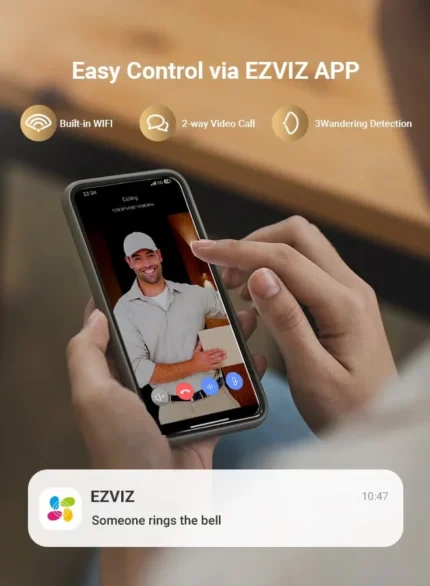
Receive visitor calls, open the door and use live view remotely from your phone through the Hik-Connect app.

Voice messages and alarms

Supports voice messages when the indoor station does not answer, and receives alarms through linkage with an alarm system, notifying the center to handle them in time.

Applications

  • Villa and smart home intercom systems
  • Residential apartments and real estate projects
  • Offices and companies
  • Checking visitors before opening the door

How does the indoor intercom station work?

The station joins the IP intercom system over the network, receives visitor calls and shows door stations and cameras, and the door can be opened through the compatible system from the screen or a phone.

Activate

Power on the device and it enters the activation page automatically; create a strong password, confirm it and tap OK to activate the indoor station.

Quick configuration

Choose the language, set the network parameters manually (Local IP, Subnet Mask, Gateway) or enable DHCP, then edit the Floor and Room No.

Link the door station

Create a SIP register password matching the registration password of the door station, link the devices listed on the same LAN, then tap Finish.

Operating features

Receiving calls

Receives calls from the door station, the main station or the iVMS-4200 Client; the call screen has two unlock buttons, Unlock 1 and Unlock 2.

Capture and messages

Capture a live view picture while speaking with the door station, and enable Leave Message to keep visitor messages for 1, 7 or 30 days.

Live view

Tap Live View to watch the live video of added door stations and network cameras; make sure they are well connected.

ImportantWith a TF card inserted the station stores 200 captured pictures and 200 alarm records; without a card, 2 MB RAM is used for pictures and the number depends on picture size.

Specifications & Details

Technical specifications

Product and system

Model
DS-KH6320-TE1
Product Type
IP indoor intercom station
Operating System
Linux
Memory
RAM 128MB / ROM 32MB

Screen and installation

Screen Size
7-inch color TFT
Touch Type
Capacitive Touch Screen
Resolution
1024 × 600
Installation
Surface wall mounting
Application Environment
Indoor

Product details

Audio and network

Audio
Built-in microphone + speaker – noise suppression and echo cancellation
Audio Compression
G.711U / G.711A
Network Protocols
TCP/IP, SIP, RTSP
Network Interface
RJ45 10/100 Mbps

Power and capacity

Power
PoE / 12V DC (optional adapter)
Power Consumption
≤ 5W
Alarm Inputs
8 alarm inputs
Storage
TF card up to 128GB
Linked Devices
16 indoor extensions / 17 doorphones / 16 network cameras

Important technical noteWi-Fi is not supported. Working humidity is 10% to 90% (non-condensing), dimensions are 200 × 140 × 15.1 mm, weight is 350 g and notice capacity is 200 notices.

Installation tips

  1. Before you start

    Make sure the device is in good condition and all assembly parts are included, and keep all related equipment powered off during installation.

  2. Junction box

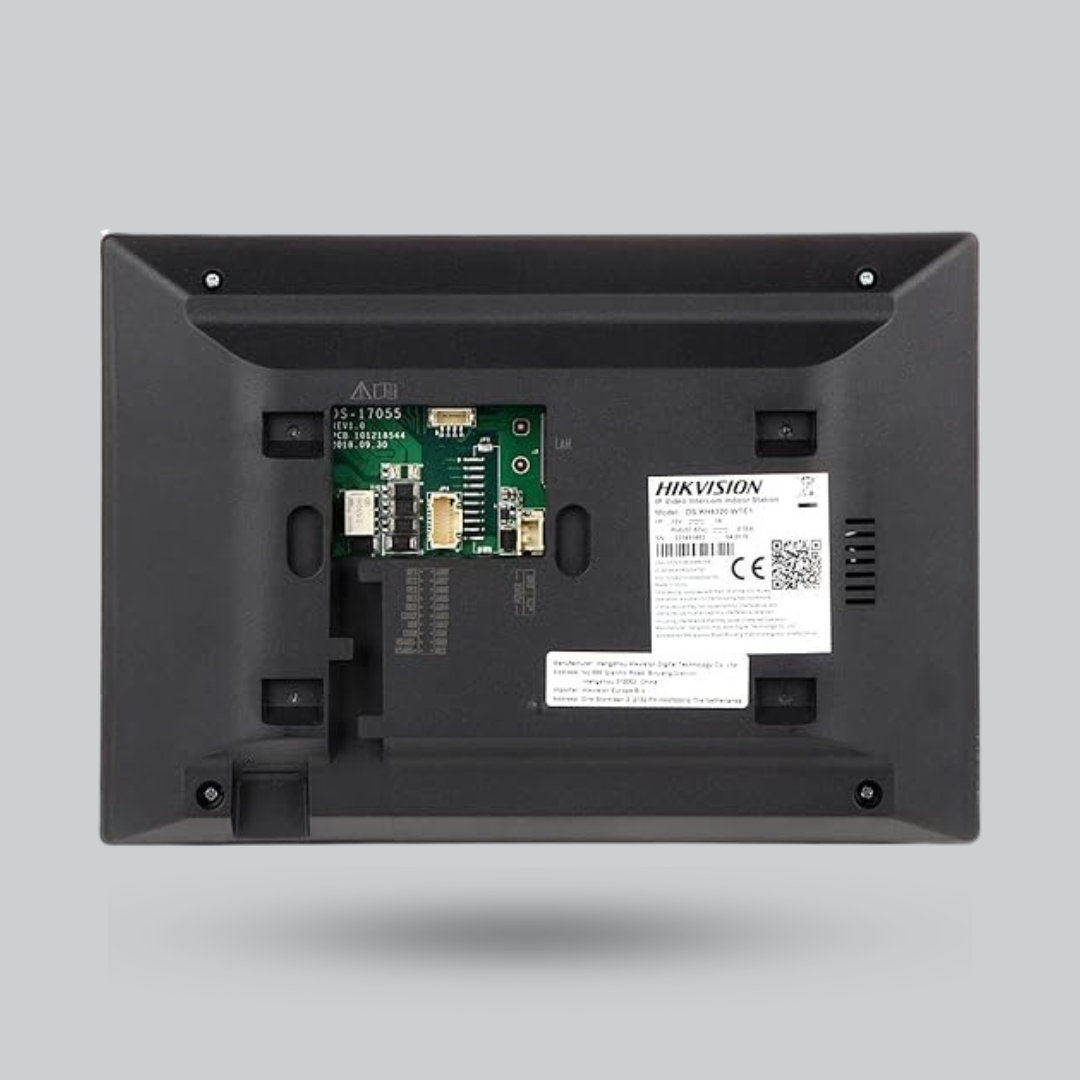
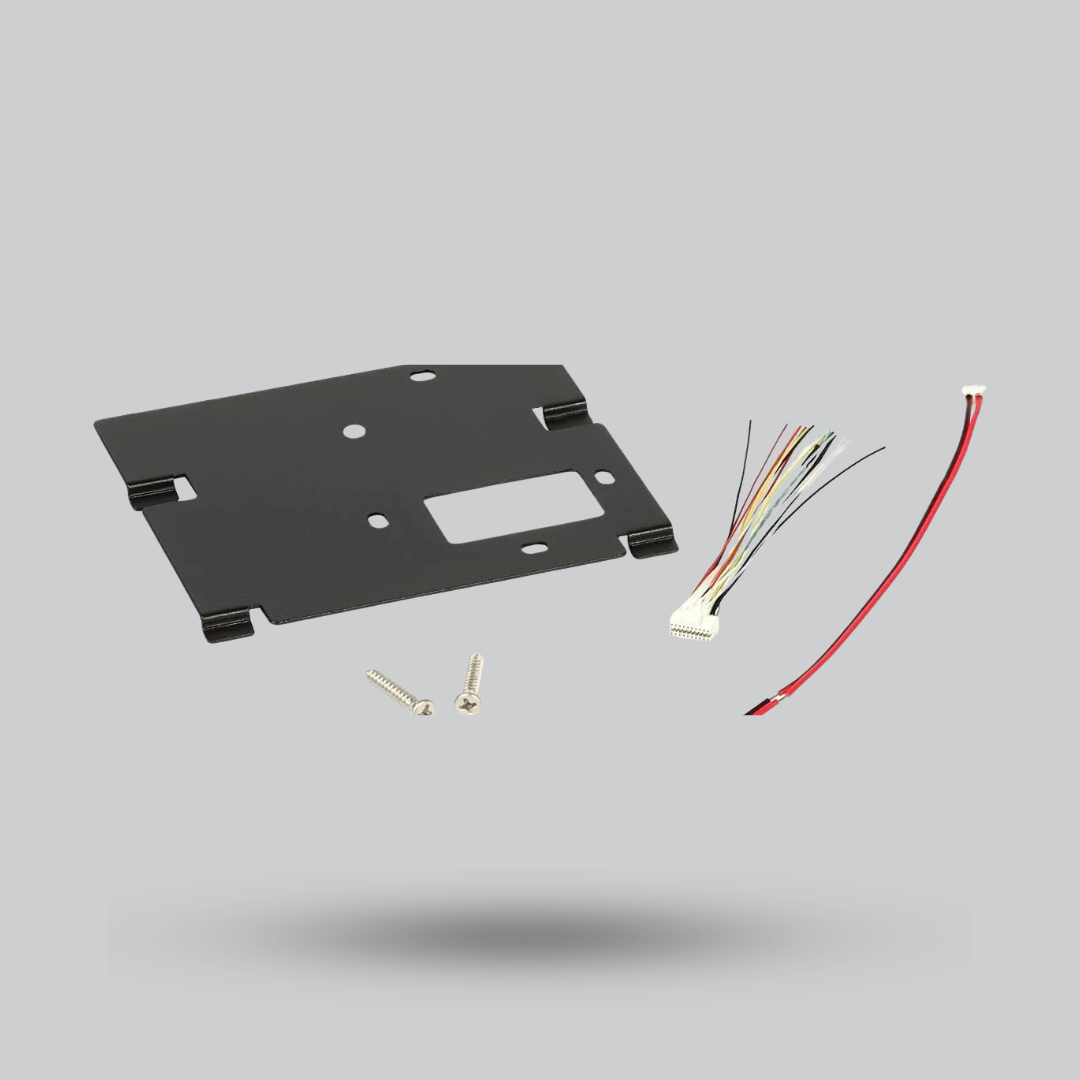
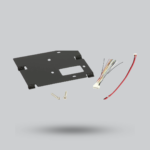
    For mounting with a junction box: chisel a 76 × 76 × 50 mm hole, insert a 75 × 75 × 50 mm junction box and fix the wall mounting plate to it with 2 screws.

  3. Hang the station

    Hook the station onto the mounting plate by inserting the plate hooks into the rear panel slots; the lock catch locks automatically.

  4. Power and environment

    The supported power supply is 12 VDC. Keep the station away from magnetic fields, high temperature and moisture, and separate strong and weak current cables.

Before you start

Make sure the device is in good condition and all assembly parts are included, and keep all related equipment powered off during installation.

Junction box

For mounting with a junction box: chisel a 76 × 76 × 50 mm hole, insert a 75 × 75 × 50 mm junction box and fix the wall mounting plate to it with 2 screws.

Hang the station

Hook the station onto the mounting plate by inserting the plate hooks into the rear panel slots; the lock catch locks automatically.

Power and environment

The supported power supply is 12 VDC. Keep the station away from magnetic fields, high temperature and moisture, and separate strong and weak current cables.

Frequently Asked Questions

Does the station support Wi-Fi?

No, Wi-Fi is not supported; it connects by cable through an RJ45 10/100 Mbps port with PoE support.

How many devices can be linked?

Up to 16 indoor extensions, 17 doorphones and 16 network cameras.

Can it be set up without a PC?

Yes, the whole system can be configured from the touch screen itself with a quick setup wizard.

Reviews (0)

Reviews

There are no reviews yet.

Be the first to review “Hikvision DS-KH6320-TE1 IP Indoor Video Intercom 7-Inch Touch Screen”

Your email address will not be published. Required fields are marked *