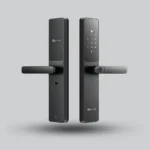
G-14 Smart Lock: 5-in-1 Keyless Entry with Tuya App
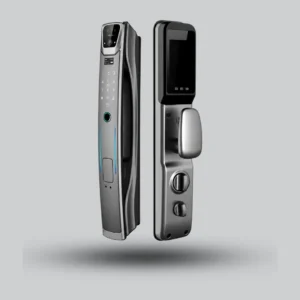
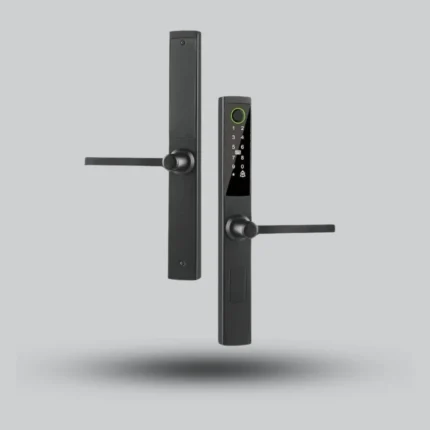
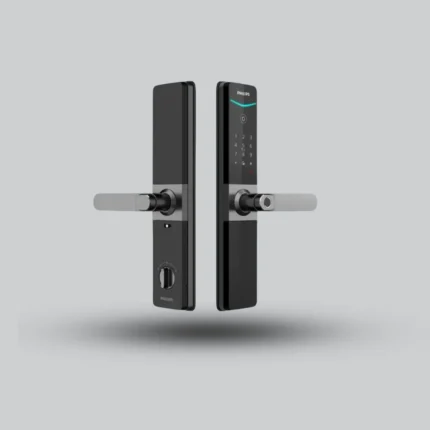
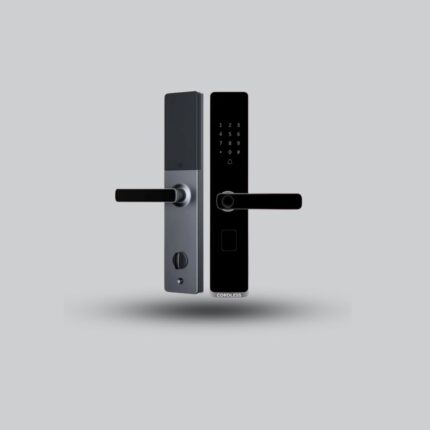
The G-14 smart lock offers five ways to open the door: fingerprint, passcode, card, Tuya app, and mechanical key. It runs on four AA batteries and lets you manage phone-based access features and receive low-battery alerts. A practical design compatible with wooden and armored doors, ideal for homes and offices.
Features & Design
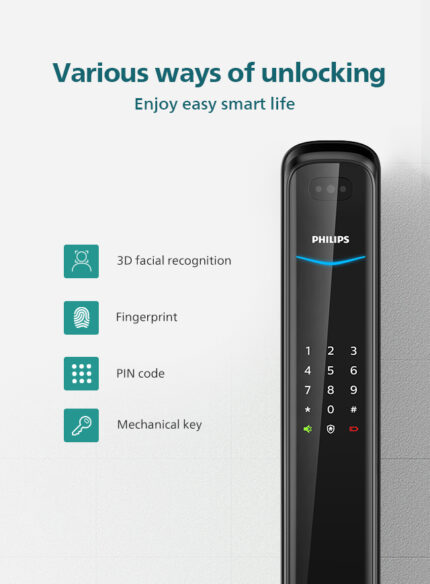
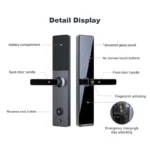
Fingerprint, PIN code, access card, Tuya Smart app functions and a mechanical backup key.
Use a registered fingerprint for convenient daily entry without carrying a key or entering a password.
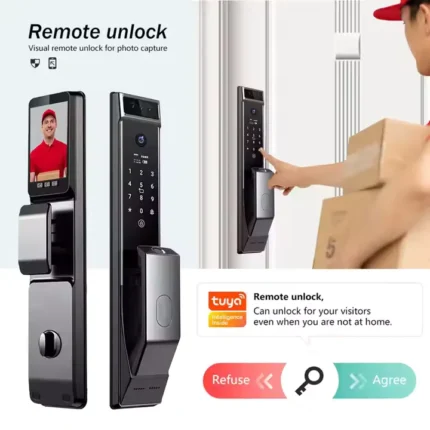
Tuya Smart app integration as one of the five access methods, alongside fingerprint, PIN code, card and key.
Applications
- Compatible residential entrance doors
- Apartments and smart homes
- Selected office entrances
- Rooms requiring multiple entry options
How does the G-14 smart lock work?
The G-14 Smart Lock combines convenient keyless entry with five access options for authorized users, and its electronic system operates using four AA batteries.
Install and power
Install the lock according to its manual and insert four suitable AA batteries.
Set up users
Create the administrator profile, enroll authorized fingerprints, then configure passwords and cards.
Connect and test
Connect available Tuya Smart functions, then test all electronic and mechanical unlocking methods.
01Install and power
Install the lock according to its manual and insert four suitable AA batteries.
02Set up users
Create the administrator profile, enroll authorized fingerprints, then configure passwords and cards.
03Connect and test
Connect available Tuya Smart functions, then test all electronic and mechanical unlocking methods.
Operating features
PIN code and access card
The G-14 supports password authentication and compatible card entry alongside fingerprint unlocking.
Tuya Smart app
Tuya Smart app integration is one of the five listed unlocking methods.
Mechanical backup key
The mechanical backup key remains an important option when electronic access is unavailable.
ImportantAlways test the complete locking and unlocking operation before relying on the installed device.
Specifications & Details
Technical specifications
Product
- Model
- G-14
- Product Type
- Electronic Smart Door Lock
- Door Compatibility
- Selected Wooden and Reinforced Doors
- Usage
- Homes / apartments / offices
Unlocking methods
- Fingerprint
- Registered fingerprint
- PIN Code
- Authorized password
- Access Card
- Compatible entry card
- App
- Tuya Smart
- Key
- Mechanical backup key
Product details
Power and app
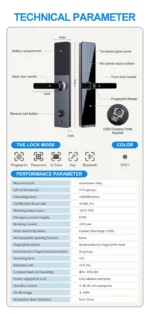
- Power Supply
- 4 × AA Batteries
- Entry Methods
- 5
- Mobile Application
- Tuya Smart
Installation
- Before purchase
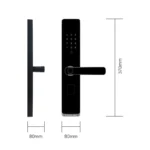
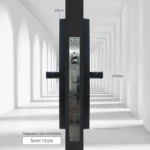
- Check door thickness, mortise dimensions and opening direction
- Installation
- Professional installation recommended
Important technical noteBattery life depends on usage frequency, battery quality and device settings.
Installation tips
- Measure the door
Check the existing door thickness, mortise dimensions and opening direction before purchasing.
- Suitable doors
The product listing refers to selected wooden and reinforced doors.
- Professional installation
Professional installation is recommended when replacing existing mechanical door hardware, for reliable alignment.
- Test before use
Test the complete locking and unlocking operation before relying on the installed device.
01Measure the door
Check the existing door thickness, mortise dimensions and opening direction before purchasing.
02Suitable doors
The product listing refers to selected wooden and reinforced doors.
03Professional installation
Professional installation is recommended when replacing existing mechanical door hardware, for reliable alignment.
04Test before use
Test the complete locking and unlocking operation before relying on the installed device.
Frequently Asked Questions
Does the G-14 support fingerprint unlocking?
Yes. Fingerprint recognition is one of the five listed unlocking methods.
Is a mechanical key available?
Yes. Mechanical key entry is one of the listed access methods.
Does it fit every entrance door?
No. Door thickness, mortise dimensions and opening direction must be checked first.
Related products
Catchface Smart Lock K2
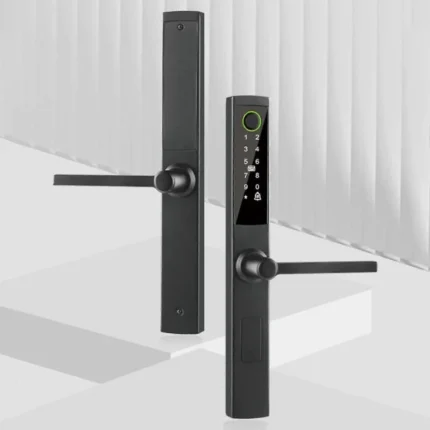
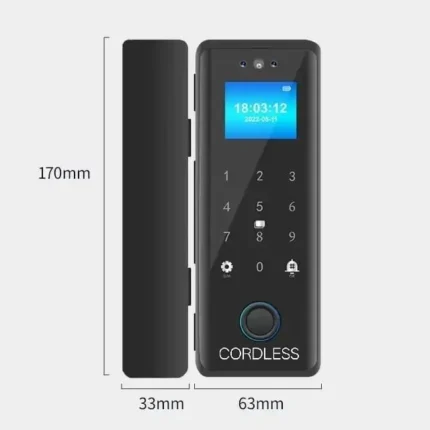
Cordless CL-15: Advanced Smart Lock for Aluminum & Alumetal Doors
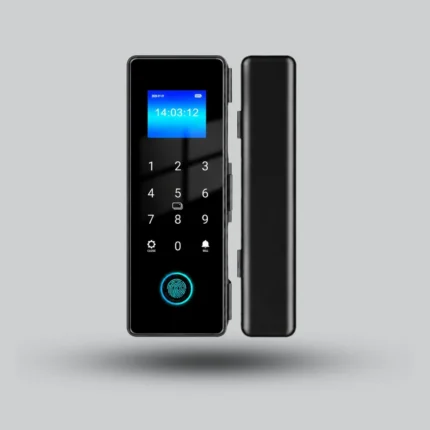
GL01 Smart Glass Door Lock – Face Recognition + Fingerprint + App Access
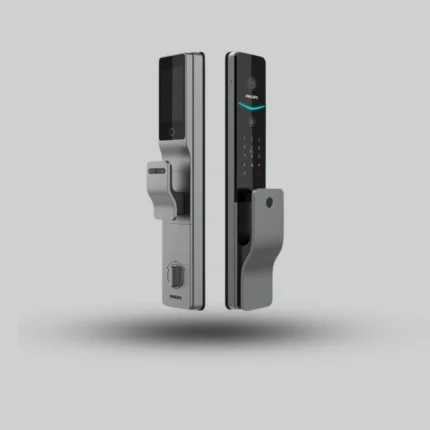
Philips Smart Lock DDL720-MVP-17HWS Regular Vision

Reviews
There are no reviews yet.